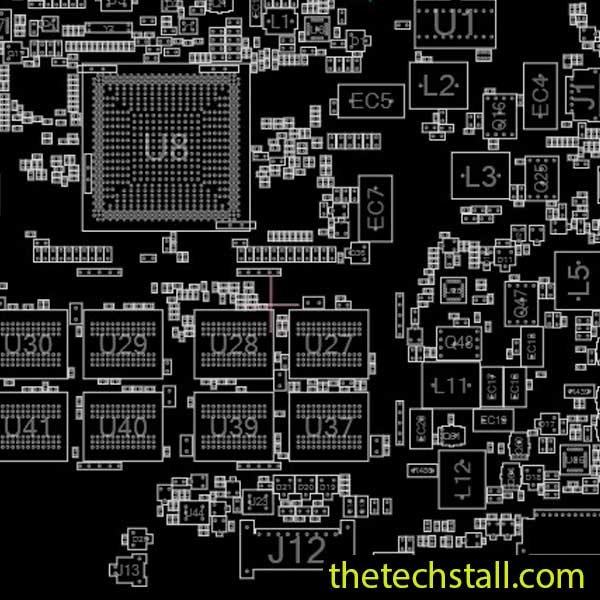
For technicians working in the laptop repair industry, especially at the chip level, precision and access to accurate schematics are everything. When dealing with complex laptop boards like the Samsung NT905S3G-KSQB, having the right reference tools can significantly improve diagnosis accuracy and repair success rates. One such essential resource is the BA41-02277A BoardView File, a powerful aid for motherboard-level troubleshooting and component tracing.
In this guide, we’ll explore how experienced technicians can leverage the BA41-02277A BoardView File to perform advanced chip-level repairs on Samsung NT905S3G-KSQB motherboards, along with practical techniques that streamline the repair process.
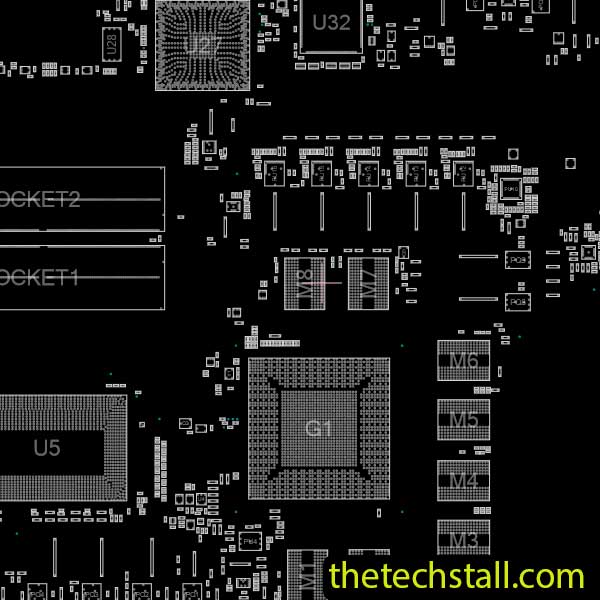
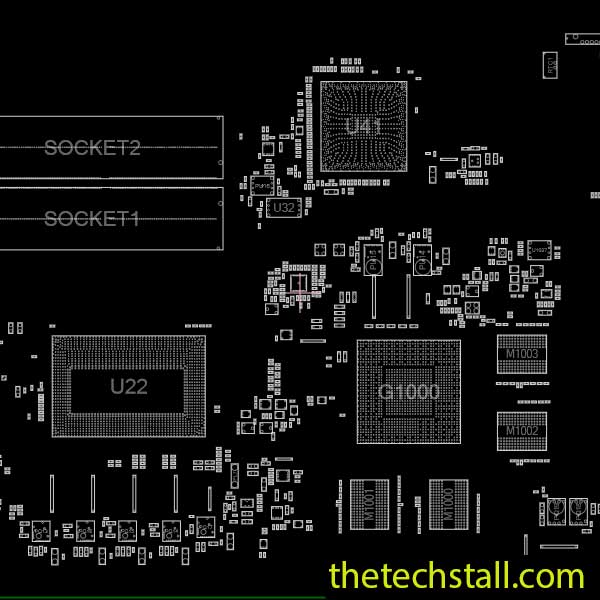
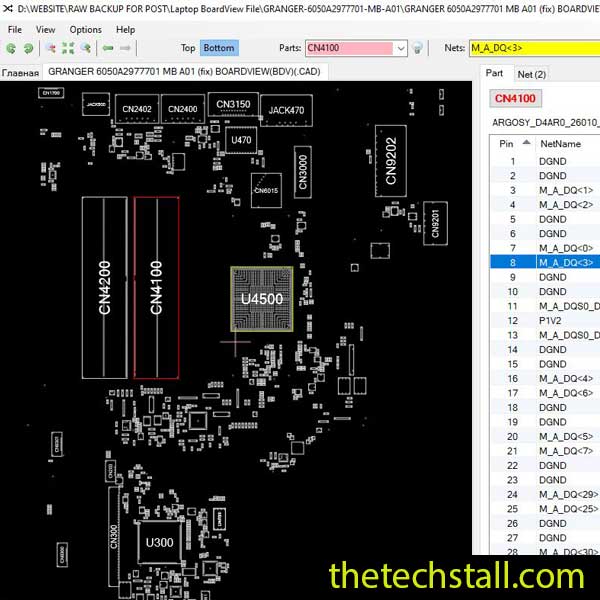
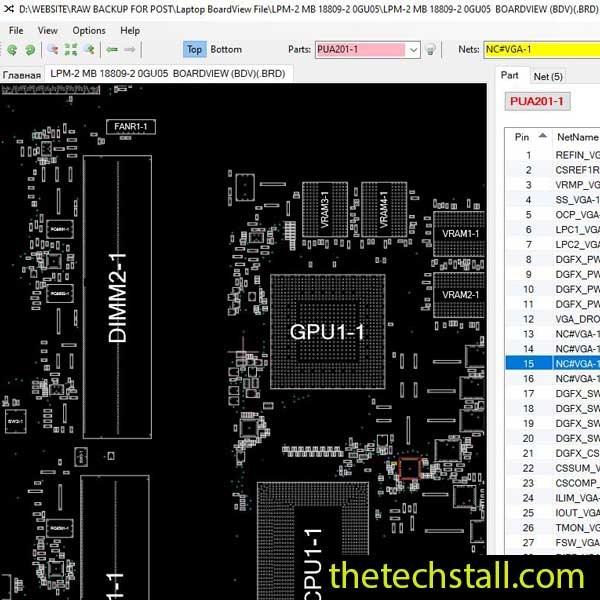
The BA41-02277A BoardView File is a detailed visual representation of the motherboard layout, including component placements, signal paths, and interconnections. Unlike a schematic, which shows logical circuit diagrams, a board view file provides a physical map of the board—making it easier to locate components and trace lines during real-world repairs.
For technicians working on Samsung NT905S3G-KSQB boards, this file becomes invaluable when diagnosing issues such as:
By using the BA41-02277A BoardView File alongside schematics, you can cross-reference both logical and physical layouts for a more efficient repair workflow.
Experienced chip-level technicians don’t just rely on guesswork—they use structured diagnostic methods. Here are some advanced techniques you can apply using the BA41-02277A BoardView File:
Start by identifying key power rails such as PPBUS, PP3V3, and PP5V. Using the board view, trace these rails from the power source to the load components. If a rail is missing or unstable, you can quickly identify the affected components or ICs connected along that path.
Using the BoardView file, locate test points and check voltages at different stages. This helps isolate whether the issue lies in the power IC, a shorted capacitor, or a downstream component.
Short circuits are among the most common issues in laptop boards. With the BA41-02277A BoardView File, you can:
This method helps narrow down the exact faulty component quickly instead of removing multiple components blindly.
For issues related to no display, keyboard malfunction, or USB failures, signal tracing becomes essential. The board view allows you to follow signal paths from connectors to ICs and processors.
By combining the BoardView file with a continuity mode on your multimeter, you can verify whether signals are properly reaching their destination. This is especially useful for diagnosing broken pads or internal trace damage.
One of the biggest advantages of using the BA41-02277A BoardView File is the ability to quickly identify components. Instead of searching blindly, you can locate:
This speeds up the replacement process and reduces the chances of error during component-level repairs.
While the BA41-02277A BoardView File is powerful, it becomes even more effective when combined with other professional tools:
The schematic diagram works hand-in-hand with BoardView. While BoardView shows where, the schematic explains how the circuit works.
Essential for testing voltages and identifying short circuits when following BoardView data.
Helps identify overheating components on specific nets shown in the BoardView.
You need compatible software to open and navigate the BA41-02277A BoardView File effectively.

For tips on chip-level repair of laptop and desktop motherboards, visit our YouTube channel Repair Assistant and subscribe to our Facebook page repairassiastantbd for repair resource updates.
To continue refining your skills on the Samsung NT905S3G-KSQB platform, having the right files at your fingertips is essential. You can download the necessary documentation to aid your bench work below.
Why You Should Join Our Repair Community
If you’re serious about improving your chip-level repair skills, working alone will slow you down. That’s why joining a dedicated repair network makes a real difference.
Our community at:
👉 https://repaircommunity.thetechstall.com/
Gives you access to:
Instead of wasting hours searching for a single repair resource file in different places, join our repair community for free and request the file you want. Our tech support team will try to deliver it as quickly as possible. This is an effective way to improve quickly.
The BA41-02277A BoardView File is an indispensable tool for any technician specializing in Samsung NT905S3G-KSQB motherboard repairs. It bridges the gap between theory and practice, allowing you to visualize the board layout and make precise diagnostic decisions.
Whether you’re troubleshooting power issues, signal failures, or faulty ICs, integrating BoardView into your repair workflow will elevate your expertise and success rate.
Download the BA41-02277A BoardView File for free and explore advanced repair resources to take your motherboard repair skills to the next level.