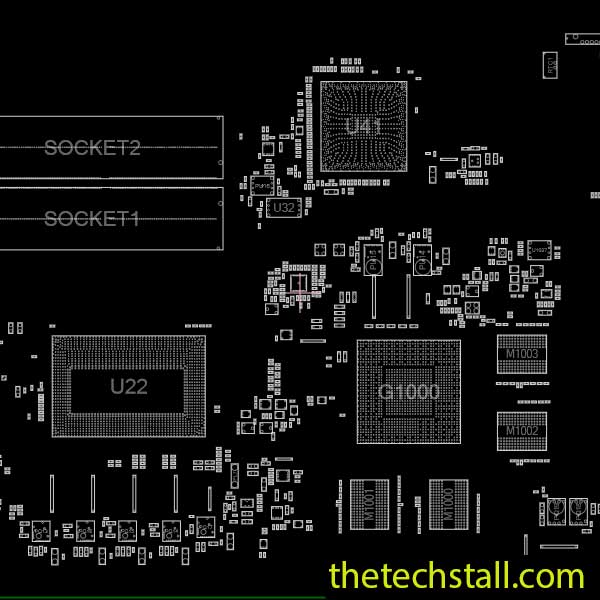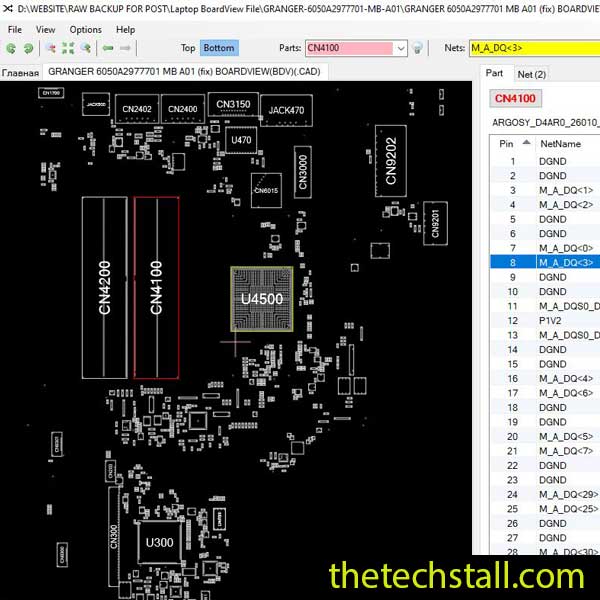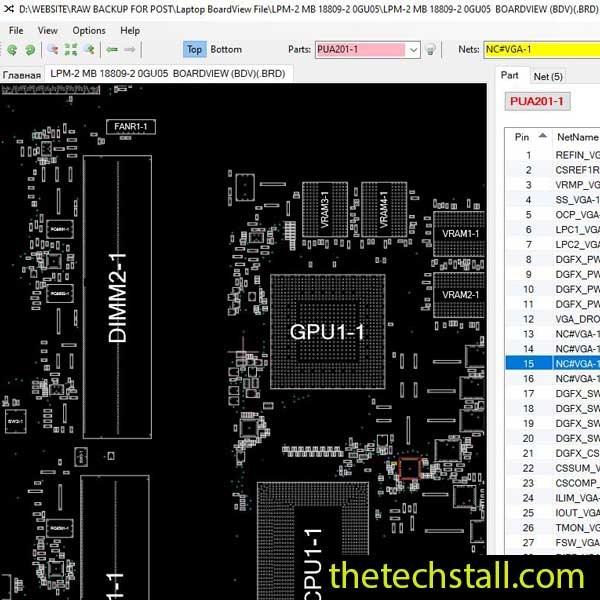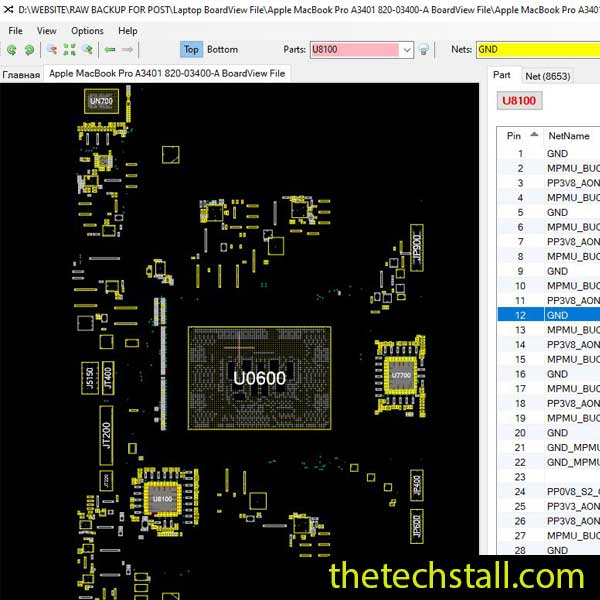
In the fast-paced world of laptop chip-level repairing, precision and efficiency are everything. For technicians working on laptops—especially the Apple MacBook Pro A3401—having the right technical resources can make the difference between a quick fix and hours of frustrating guesswork. One such essential resource is the 820-03400-A BoardView File, a powerful tool that has become indispensable for modern motherboard diagnostics and repair.
The 820-03400-A motherboard is a complex, multi-layered piece of engineering. When a component fails, it isn’t always obvious to the naked eye. A capacitor might look pristine but still be grounded, or a trace could be broken deep within the PCB layers.
Without a BoardView, you are essentially flying blind. You might see a component labeled “C123,” but where does it lead? What is it connected to? The 820-03400-A BoardView file provides a visual map of every pad, trace, and component on the board. It allows you to click on any pin and immediately see every other point on the motherboard that shares that same signal or voltage rail.
When dealing with complex motherboard issues like no power, no display, short circuits, or charging faults, the 820-03400-A BoardView File becomes a critical companion. It allows technicians to:
For example, if you’re diagnosing a short circuit on the 19V rail, the BoardView file helps you locate all components connected to that rail in seconds. This eliminates unnecessary guesswork and minimizes the risk of damaging the board further.
We’ve all been there: you find a shorted rail, but the board is covered in hundreds of tiny SMD components. You could start injecting voltage and hope something gets hot, but that carries risks.
With the BoardView, you can:
RSMRST# or PM_PWRBTN# when the components themselves are too small or hidden under heat sinks.The Apple MacBook Pro A3401 is a workhorse, but it has its fair share of common failures. Technicians frequently report:
By using the 820-03400-A BoardView file, you can quickly navigate these common “danger zones” and provide your customers with a faster turnaround time and a more reliable repair.
While the 820-03400-A BoardView File is powerful on its own, it becomes even more effective when used alongside other repair tools and resources:
1. Schematic Diagrams
Schematics show how the circuit works, while the BoardView shows where everything is located. Using both together gives you a complete understanding of the motherboard—function and form.
2. Multimeter and Oscilloscope
Once you’ve identified a component using the BoardView file, tools like a multimeter or oscilloscope help you test voltage levels, continuity, and signal behavior.
3. BIOS Files
Corrupted BIOS is a common issue in laptops. Having the correct BIOS dump, along with the BoardView file, helps locate the BIOS chip quickly and reprogram it accurately.
4. Thermal Camera or Short Finder Tools
When dealing with shorts, the BoardView file helps narrow down the suspect area, while thermal tools identify the exact faulty component.
5. Repair Software (OpenBoardView, BoardViewer, etc.)
To open and use the 820-03400-A BoardView File, you’ll need compatible software. These tools provide zooming, searching, and layer viewing features that enhance usability.
At the end of the day, chip-level repair is about precision. Your reputation as a technician depends on your ability to fix boards that others have given up on. Having a library of BoardView files—starting with the 820-03400-A—shows that you operate at a professional level. It reduces the chance of accidental damage and ensures that every solder joint you make is backed by data.

For tips on chip-level repair of laptop and desktop motherboards, visit our YouTube channel Repair Assistant and subscribe to our Facebook page repairassiastantbd for repair resource updates.
Ready to fix that Apple MacBook Pro A3401 sitting on your desk? Having the right tools is half the battle won. We are providing a resource to help you get back to the soldering station with confidence.
The 820-03400-A BoardView File is more than just a reference—it’s a necessity for anyone serious about laptop motherboard repair. Whether you’re fixing power issues, tracing signals, or replacing components on the Apple MacBook Pro A3401, this file provides the clarity and confidence needed to perform accurate repairs.
By combining it with schematics, diagnostic tools, and proper software, you create a complete repair ecosystem that saves time and improves success rates.
If you’re serious about improving your chip-level repair skills, working alone will slow you down. That’s why joining a dedicated repair network makes a real difference.
Our community at:
👉 https://repaircommunity.thetechstall.com/
Gives you access to:
Instead of wasting hours searching for a single repair resource file in different places, join our repair community for free and request the file you want. Our tech support team will try to deliver it as quickly as possible. This is an effective way to improve quickly.
Make sure to use trusted software to open the file and always verify compatibility with your repair tools.