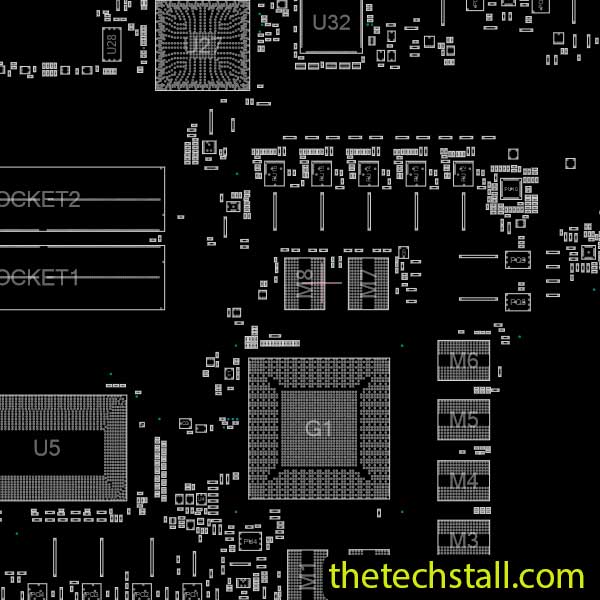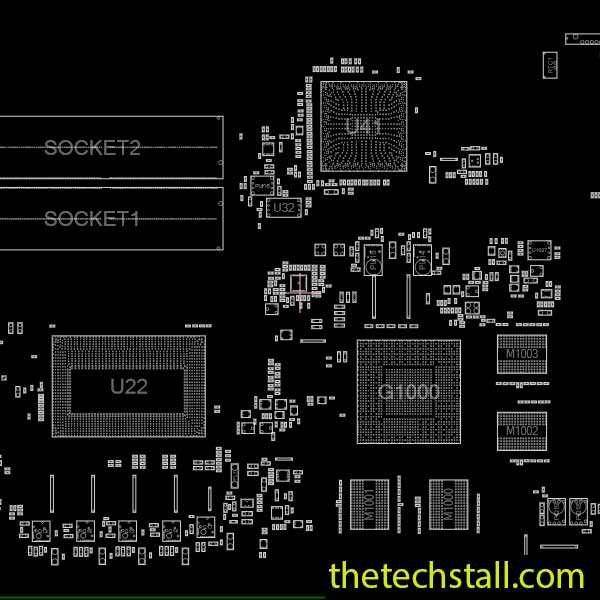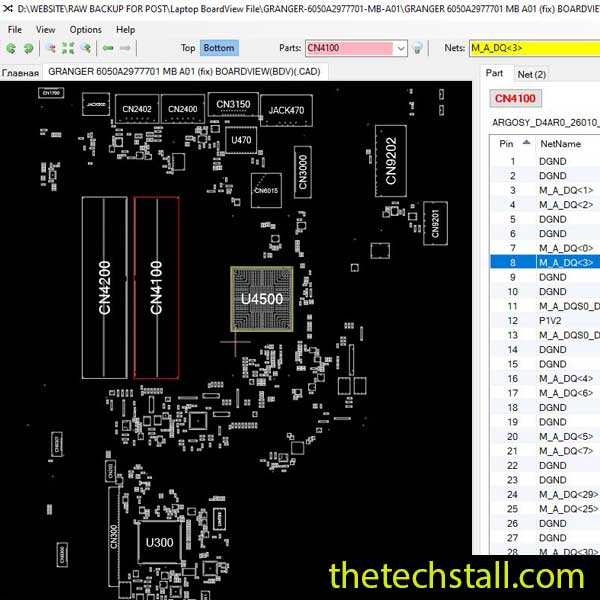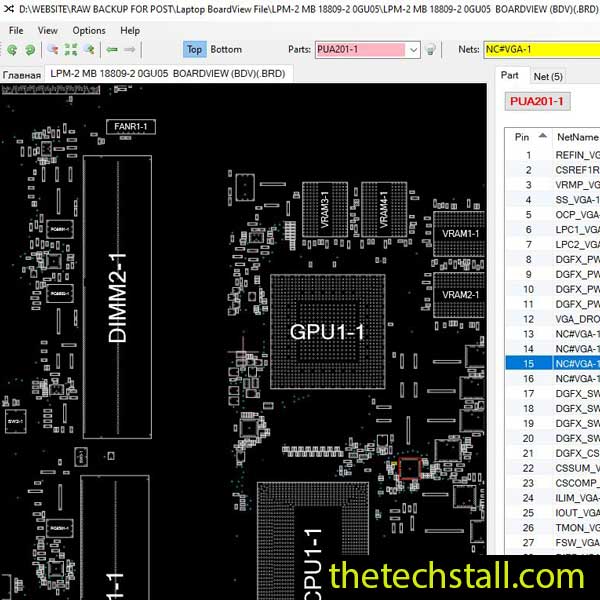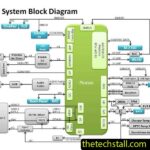

Repairing a laptop at chip level is rarely a matter of simply replacing a damaged component and hoping for the best. When a Lenovo Legion 7-16ARHA7 motherboard comes into the workshop with a no-power condition, charging fault, missing voltage, shorted rail, or another board-level problem, the real challenge is finding where the fault is and how the surrounding circuit is connected. That is where the NM-E681 BoardView File becomes extremely useful.
For technicians working on the Lenovo Legion 7-16ARHA7 motherboard, BoardView provides a practical map of the PCB. Instead of spending unnecessary time searching for tiny resistors, capacitors, coils, MOSFETs, ICs, and test points, you can locate them much more quickly and follow the relevant nets across the board.
A BoardView file is essentially a digital layout map of the motherboard. It helps you identify the physical position of components and understand how different parts of the board are associated with particular nets.
For a technician, this can save a surprising amount of time.
Suppose you are checking a suspected short circuit. You may know the affected rail from your measurements or schematic, but finding every relevant capacitor, resistor, MOSFET, coil, or test point physically on the board can be frustrating without a layout reference.
With the NM-E681 BoardView File, you can search for the component or net and move directly to its location.
That makes the difference between looking for a fault and systematically tracing a fault.
At chip level, accurate information is just as important as your soldering skills. A good technician does not want to guess where a component belongs or rely entirely on visual inspection.
The NM-E681 BoardView File can help with several common repair tasks:
This becomes especially valuable when the board has many densely packed SMD components. On a high-performance gaming laptop motherboard, several components may look almost identical to the naked eye. BoardView gives you another layer of information before you put the probe on the board.
One mistake I often see in motherboard repair is treating the BoardView file and schematic as competing resources. They are not.
They answer different questions.
The NM-E681 BoardView File helps answer:
“Where is this component or net physically located?”
The NM-E681 Schematic Diagram helps answer:
“How does this circuit work, and what is this component connected to?”
That distinction is important.
If you are troubleshooting a missing voltage rail, for example, the schematic can help you understand the power circuit, controller, enable signals, feedback path, and expected relationships. Once you know which components you need to inspect, BoardView helps you find those components on the actual motherboard.
So the most efficient workflow is usually:
Schematic → identify the circuit → BoardView → locate the components → measurement → diagnosis → repair.
Using both resources together can make a difficult repair much more manageable.
The exact failure will always depend on the board and the fault itself, but technicians commonly encounter symptoms such as:
If the laptop shows no response when the power button is pressed, start by establishing what standby or always-on conditions are present. From there, the schematic can help identify the relevant power sections, while BoardView helps you locate the physical components for measurement.
Charging faults can involve the DC input path, protection components, charging circuitry, power MOSFETs, or associated control signals. Rather than replacing parts randomly, use the schematic to understand the circuit and BoardView to locate each component accurately.
A short can turn into a time-consuming repair when you do not know which components are connected to the affected rail. BoardView can help you identify the components sharing that net, while measurements can narrow down the actual source of the problem.
When a rail is missing, the first question is not always “Which component is bad?” It is often “Where does this rail come from, and what controls it?”
That is where schematic analysis becomes essential. Once the circuit is understood, the NM-E681 BoardView File makes physical inspection much faster.
When working on a Lenovo Legion 7-16ARHA7 motherboard, avoid jumping straight into component replacement.
A more reliable approach is:
This process may take a little more discipline at the beginning, but it can prevent hours of unnecessary component swapping.
For official model information, drivers, documentation, and troubleshooting resources, technicians can also keep the Lenovo Legion 7-16ARHA7 support page available as a reference.
If you are repairing a Lenovo Legion 7-16ARHA7 motherboard at chip level, having the correct BoardView file in your repair collection can save valuable diagnostic time.
Download the NM-E681 BoardView File for free and keep it together with the matching NM-E681 Schematic Diagram and other repair resources.
Keeping both the schematic and BoardView file available means you can move from circuit analysis to physical component location without constantly searching for another reference.
The right repair file is often only one part of the job. Depending on the fault, you may also need a schematic diagram, BIOS information, board layout data, measurement equipment, and a reliable repair reference.
You can explore more laptop motherboard repair resources on The Tech Stall, including BoardView files and schematic diagrams for different laptop platforms.
If you work regularly on chip-level repairs, you may also find it useful to connect with other technicians through the RepairCommunity. The community provides a place to request and discuss laptop and desktop motherboard schematic and BoardView resources.
Motherboard repair is one of those skills where seeing the troubleshooting process can be just as useful as reading about it.

For practical chip-level repair tips, motherboard troubleshooting, and repair-resource updates, follow:
The goal is simple: spend less time guessing and more time understanding what the motherboard is actually doing.
The NM-E681 BoardView File will not diagnose a faulty motherboard by itself, of course. Your measurements, experience, and understanding of the circuit still matter. But when you combine BoardView with the NM-E681 Schematic Diagram and a systematic troubleshooting process, you have a much clearer path from symptom to faulty component.
Looking for the NM-E681 BoardView File for Lenovo Legion 7-16ARHA7 motherboard repair? Download it for free from this page and keep the matching schematic diagram alongside it for faster chip-level troubleshooting.