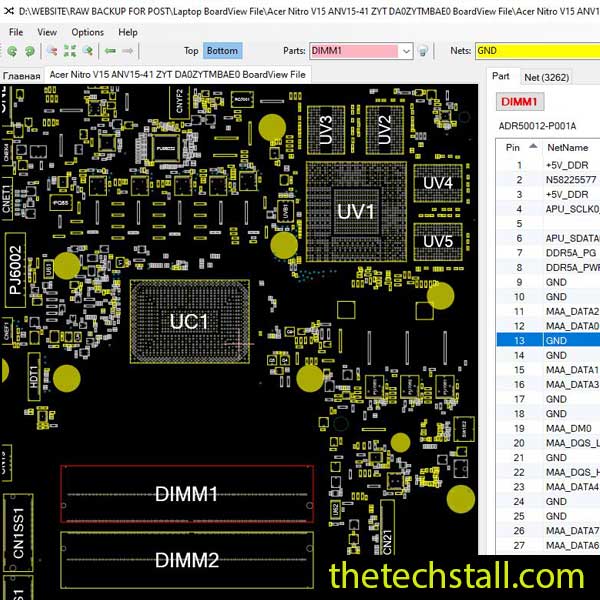
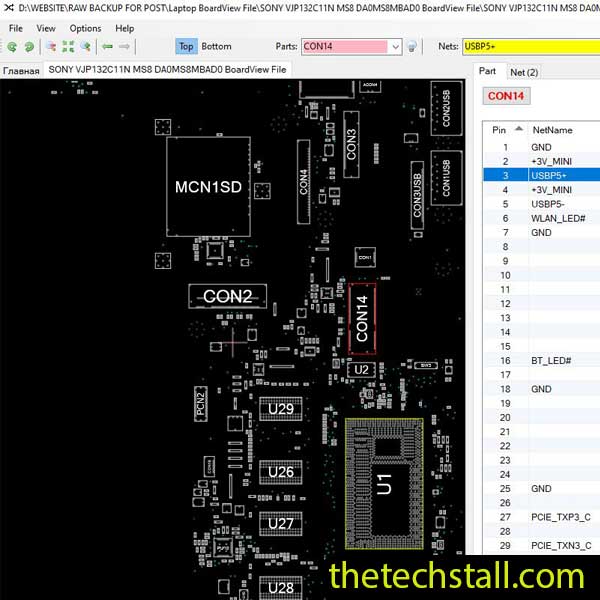
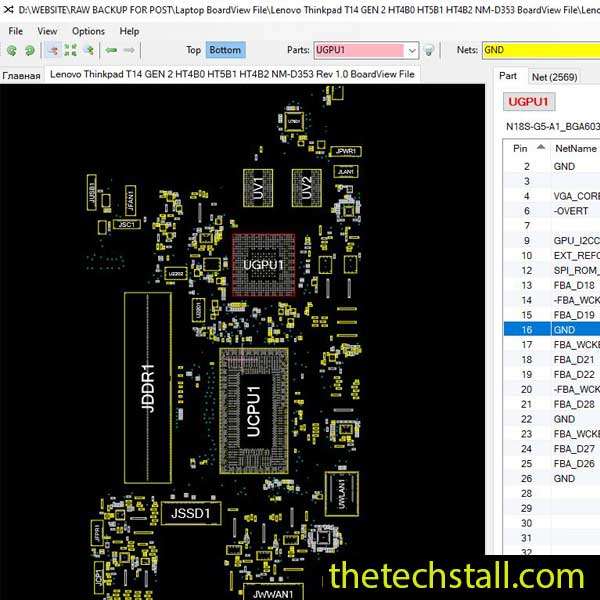
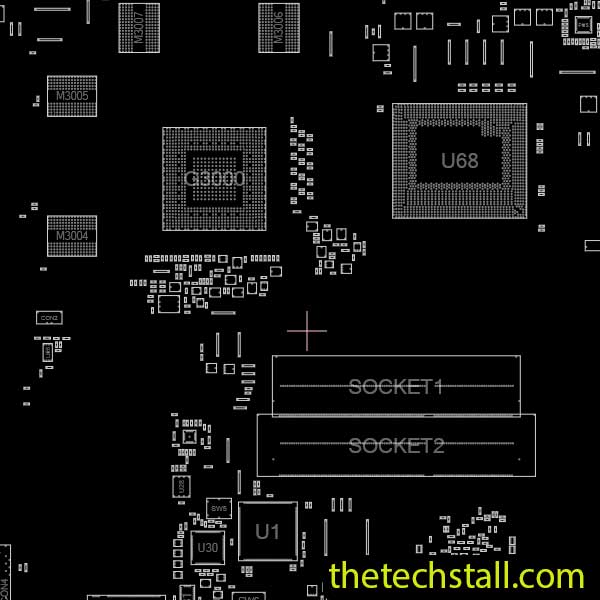
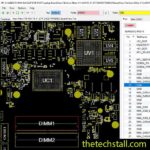
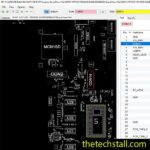
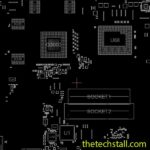
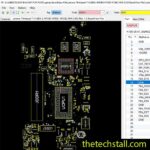
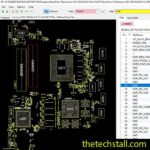
When it comes to modern laptop repair, accuracy, precision, and the right resources can make all the difference. When an Lenovo Legion 5 Pro 16ARH7H laptop lands on your bench with a complex issue, you know you need more than just a multimeter. You need a map of the battlefield. That map, in this specific case, is the NM-E471 BoardView file. Whether you’re troubleshooting power issues, diagnosing short circuits, or replacing components, this BoardView file provides the visual roadmap needed to perform a complete and efficient chip-level repair.
A BoardView file is a digital, interactive diagram that maps out the physical location of every component on the motherboard. When you open the NM-E471 BoardView file in a compatible software viewer (like BoardViewer or openboardview), you get a visual representation of the actual PCB layout.
Here’s why it’s a game-changer for this specific model:
Using the NM-E471 BoardView file effectively turns the motherboard into an open book, revealing its hidden logic and physical pathways.
When a laptop fails to boot, doesn’t charge, or shows display errors, technicians need more than just guesswork. The NM-E471 BoardView file bridges the gap between theory and physical repair by giving a clear view of what’s happening beneath the motherboard surface.
Some of the top benefits include:
Along with the NM-E471 BoardView file, consider using the following tools and resources to enhance your chip-level repair workflow:
These resources, when used together, ensure that your repairs are not only successful but also long-lasting.
With the NM-E471 BoardView file, every Lenovo Legion 5 Pro 16ARH7H motherboard repair becomes clearer, faster, and more accurate. It empowers technicians to take on complex chip-level tasks with confidence—reducing diagnostic time and preventing component misplacements.
Don’t let motherboard issues slow you down. Get the tool that professional technicians trust for laptop repairs.
Download “Lenovo Legion 5 Pro 16ARH7H NM-E471 REV1.0 BoardView File” view – Downloaded 192 times – 107.22 KBThe efficiency gained by using a BoardView file is undeniable. It saves time, reduces guesswork, and increases your success rate with complex chiplevel repairs. If you work on Lenovo Legion 5 Pro 16ARH7H laptops, the NM-E471 BoardView file is a non-negotiable tool for your digital workbench.

For tips on chip-level repair of laptop and desktop motherboards, visit our YouTube channel Repair Assistant and subscribe to our Facebook page repairassiastantbd for repair resource updates.