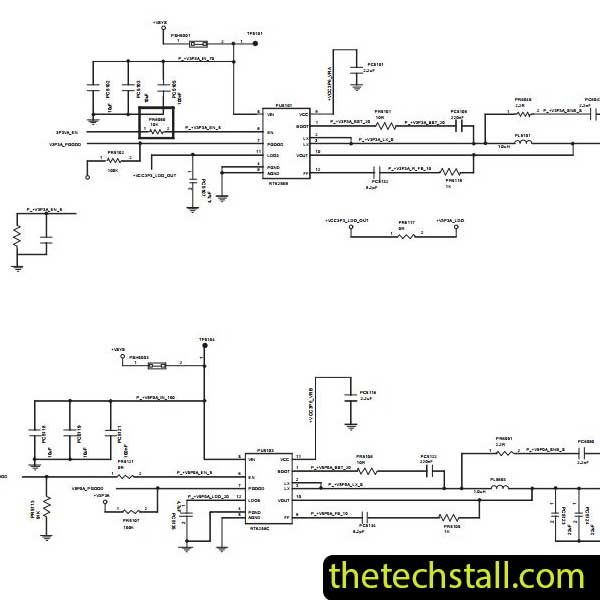
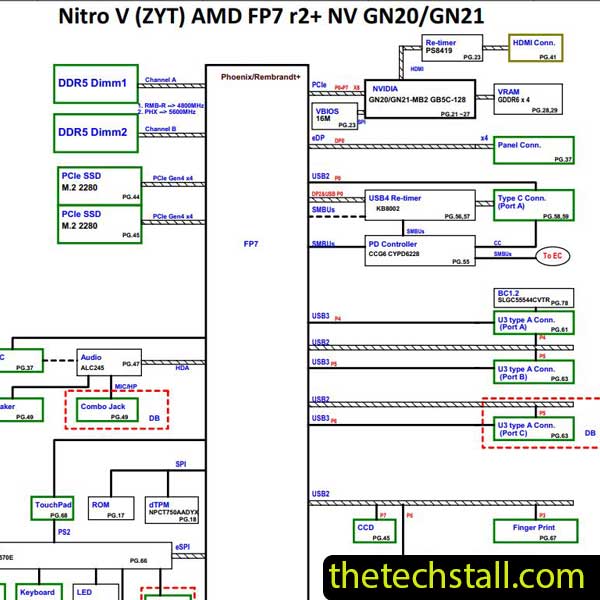
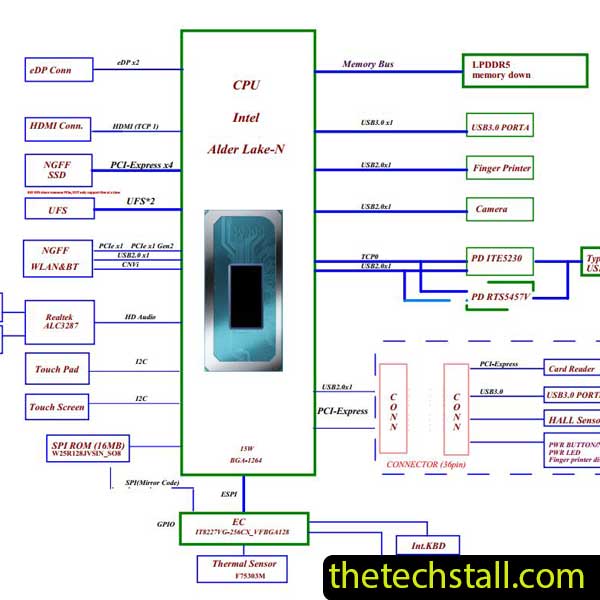
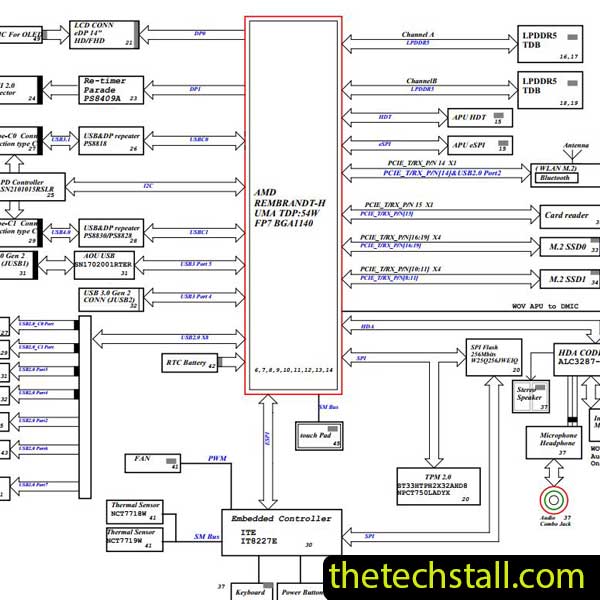
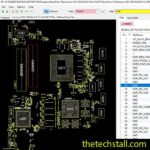
How to Easily Detect and Fix Huawei Matebook D14 Laptop Motherboard Chiplevel faults Using the NbB-WAH9P DAH98MMB8D0 Schematic Diagram – Don’t Delay, Download Now
When it comes to laptop motherboard repairs, having the right schematic diagram in hand can make the difference between a quick, efficient repair and hours of trial and error. If you’re working on an Huawei Matebook D14 motherboard, the NbB-WAH9P DAH98MMB8D0 Schematic Diagram is your ultimate tool. This guide will walk you through how to detect and fix chip-level faults using this schematic, along with other valuable repair resources to make your work easier and more effective.
What is the NbB-WAH9P DAH98MMB8D0 Schematic Diagram?
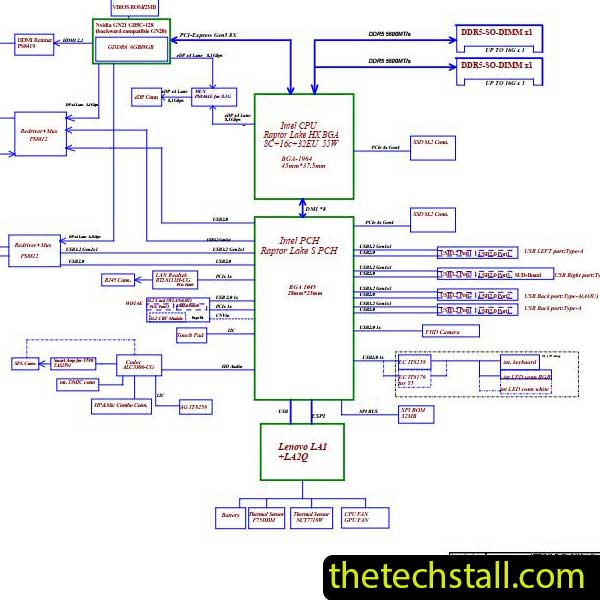
The NbB-WAH9P DAH98MMB8D0 Schematic Diagram is the official motherboard circuit blueprint for the Huawei Matebook D14. It provides detailed information about every component on the board — from power rails and MOSFETs to signal paths and data lines. By using this schematic, technicians can trace faulty circuits, analyze voltage fluctuations, and identify defective chips with precision.
For motherboard technicians, having access to this schematic is like having a map to navigate through complex electrical layers. It helps you visualize how different sections of the board communicate, and more importantly, how to isolate and fix issues when a section stops functioning.
Why the NbB-WAH9P DAH98MMB8D0 Schematic Diagram Is Crucial for Chip-Level Repairs
Laptop motherboards have become more compact and complex with each generation. The Huawei Matebook D14, for instance, uses a highly integrated design that demands a schematic for effective diagnosis. Here’s why the NbB-WAH9P DAH98MMB8D0 Schematic Diagram is indispensable:
Accurate Fault Tracing – The schematic helps you trace the power sequence from the adapter jack to the main processor. You can easily follow the voltage rails and locate where the current stops, pointing to a potential short or open circuit.
Pin-Level Understanding – Each IC or component is shown with pin numbers and their corresponding functions. This enables you to check voltages or signals on specific pins to confirm if the chip is operating correctly.
Faster Diagnostics – With the diagram, you don’t have to guess where the fault lies. You can directly go to the section responsible for the issue — be it the power supply, charging circuit, BIOS, or GPU section.
Efficient Component Replacement – The schematic identifies component values, such as resistor ratings or capacitor sizes, helping you replace damaged parts with exact matches.
Common Huawei Matebook D14 Motherboard Faults You Can Fix Using the NbB-WAH9P DAH98MMB8D0 Schematic
Overheating or Sudden Shutdown: Overheating can stem from power rail instability or a defective PWM controller. By consulting the NbB-WAH9P DAH98MMB8D0 Schematic Diagram, you can confirm whether power rails like VCORE or VGFX are working within expected parameters.
No Power or Dead Laptop: Using the schematic, start by checking the DC-IN section. Follow the current path through the DC jack, MOSFETs, and charger IC. The NbB-WAH9P DAH98MMB8D0 Schematic Diagram highlights each component’s position and connection, making it easier to spot power interruptions or faulty MOSFETs.
Laptop Turns On But No Display: This is often related to the VGA or display circuit. The schematic shows connections between the GPU, VRAM, and display connector. Measuring the required voltages at each stage can reveal if the GPU isn’t receiving power or if a broken line is preventing display output.
Battery Not Charging: With the schematic, you can test the charging IC, battery connector, and current sensing resistors. It also shows signal paths for ACOK, BAT_CHG, and SMC communication lines, helping identify faulty charge control circuits.
Additional Repair Resources to Use Alongside the NbB-WAH9P DAH98MMB8D0 Schematic Diagram
While the schematic is the backbone of motherboard repair, combining it with other tools and resources will boost your success rate:
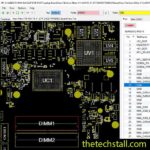
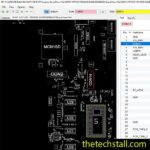
Boardview Files (NbB-WAH9P DAH98MMB8D0 Boardview) – The boardview complements the schematic by showing the physical layout of components on the PCB. It helps you locate exact component positions quickly.
Datasheets for Major ICs – Pair the schematic with datasheets for critical ICs like the charger, power management, and GPU controller chips. This provides in-depth insights into pin behavior and internal functionality.
Multimeter and Oscilloscope – These tools are essential to measure voltage, resistance, and waveform patterns. The schematic guides you on which pins or test points to probe for accurate diagnostics.
BIOS Files and EC Firmware – If your fault involves startup or booting issues, BIOS corruption might be the cause. Having a working BIOS file can help restore functionality.
Thermal Camera or IR Gun – Detect overheating components by comparing actual temperatures against schematic expectations in power sections.
Step-by-Step Process for Repairing with the NbB-WAH9P DAH98MMB8D0 Schematic
Identify the Fault Symptom (no power, no display, etc.)
Open the NbB-WAH9P DAH98MMB8D0 Schematic Diagram and locate the relevant section (power, GPU, etc.).
Follow the Power Sequence using the schematic’s block diagram.
Measure Voltages and Signals based on the pin details provided.
Replace or Reflow Faulty Components as identified.
Re-test the Board after each repair stage for stability.
Working with modern laptop motherboards like the Huawei Matebook D14 requires precision, patience, and reliable documentation. The NbB-WAH9P DAH98MMB8D0 Schematic Diagram provides everything a technician needs to diagnose and fix chip-level faults with accuracy and confidence. Whether you’re repairing power issues, display faults, or charging problems, this schematic is your go-to resource.
For tips on chip-level repair of laptop and desktop motherboards, visit our YouTube channel Repair Assistant and subscribe to our Facebook page repairassiastantbd for repair resource updates.
This may be your best resource for fixing laptop motherboard chiplevel faults.