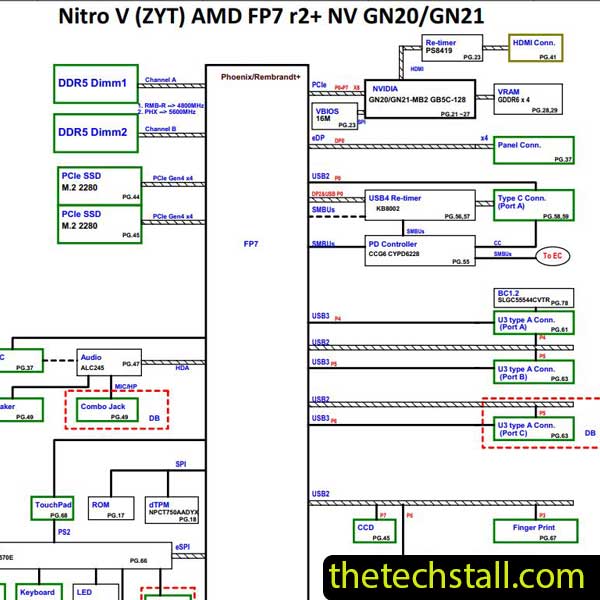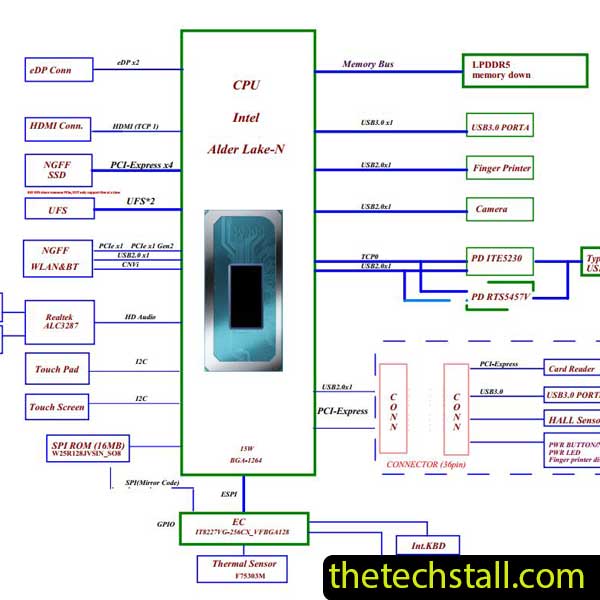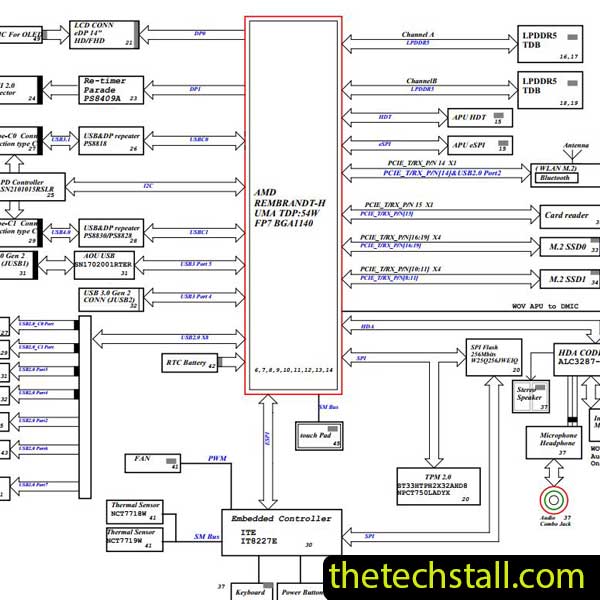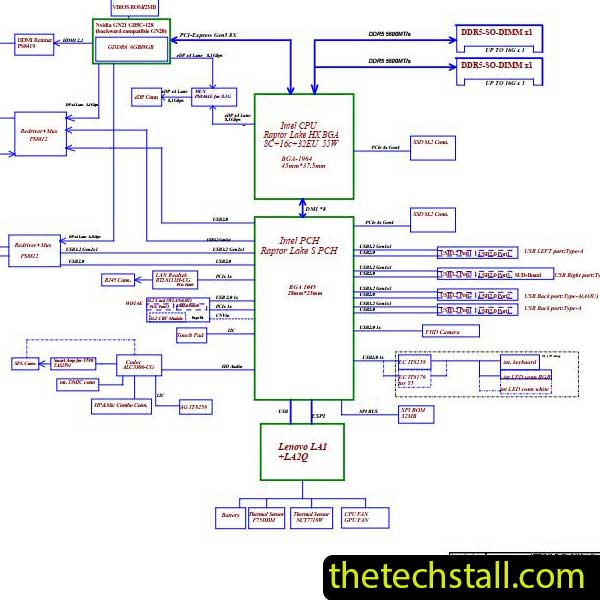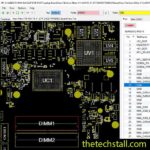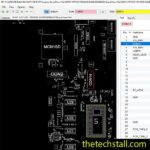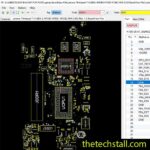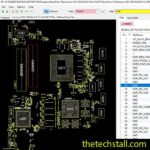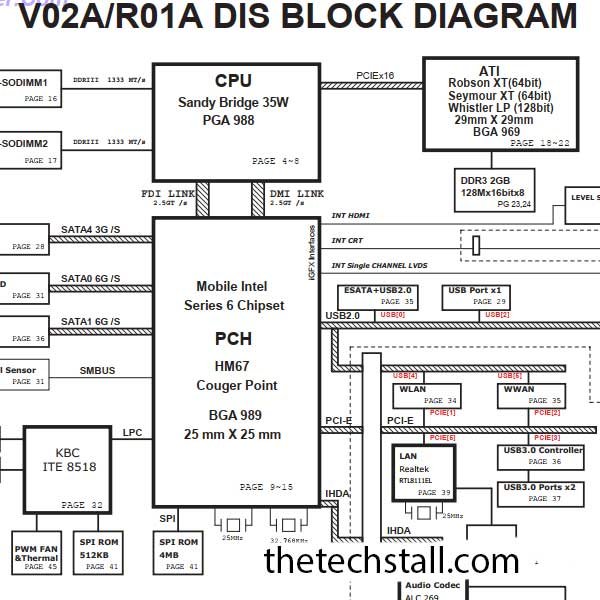
In the world of chip-level laptop repairing, accuracy, speed, and clarity matter more than anything else. For technicians working on the Dell Vostro 3450 laptop, the V02A schematic diagram is not just a supporting document—it is a critical repair resource. Whether you are diagnosing a no-power issue, fixing charging problems, or tracing a short circuit, having the correct schematic diagram can dramatically improve your success rate and reduce repair time.
This blog explains why every laptop motherboard technician should use the V02A schematic diagram and how it works alongside other essential repair resources.
The Dell Vostro 3450 series is built around the V02A motherboard, a complex multilayer board featuring modern power management ICs, BGA chipsets, and tightly packed signal lines. Without a schematic, troubleshooting such a board often becomes guesswork.
The V02A schematic diagram provides a complete electrical blueprint of the motherboard, showing how every component is connected and how signals flow across the board. This makes it an indispensable tool for both beginner and advanced technicians.
One of the biggest advantages of using the V02A schematic diagram is precise fault isolation. Instead of randomly replacing components, technicians can:
For example, if the Dell Vostro 3450 does not power on, the schematic helps track VIN, +3VALW, +5VALW, and Vcore rails efficiently.
Time is money in the repair industry. The V02A schematic diagram eliminates unnecessary guesswork by showing:
This allows technicians to test the correct points on the first attempt, speeding up the repair process and increasing daily job completion rates.
Modern laptops like the Dell Vostro 3450 rely heavily on BGA chips, such as the PCH, GPU, and embedded controller. The V02A schematic diagram helps technicians:
When performing reballing or chipset diagnostics, the schematic ensures safe and informed decision-making.
Charging faults are common in Toshiba laptops. With the V02A schematic diagram, technicians can analyze:
This prevents unnecessary replacement of chargers, batteries, or DC jacks when the real issue lies elsewhere on the board.
Using the V02A schematic diagram elevates a technician from basic repair to professional chip-level service. It enables consistent, repeatable, and reliable repairs, which builds customer trust and long-term reputation.
While the schematic is powerful on its own, combining it with other resources produces the best results:
A boardview file allows technicians to locate components physically on the motherboard while referencing the schematic. When used together, troubleshooting becomes much faster.
The schematic shows expected voltages and signals, while a multimeter or oscilloscope confirms real-time values on the board.
A service manual provides disassembly instructions, connector layouts, and mechanical details that complement the electrical insights from the V02A schematic diagram.
Combining voltage charts with the schematic allows technicians to instantly compare faulty boards against working standards.
IC datasheets help explain pin functions, timing requirements, and operating conditions referenced in the V02A schematic diagram.
Download “Dell Vostro 3450 Quanta V02A_R01A DIS Rev 1A Schematic” Dell-Vostro-3450-Quanta-V02A_R01A-DIS-Rev-1A-Schematics.zip – Downloaded 278 times – 959.52 KBFor any technician repairing the Dell Vostro 3450 laptop, the V02A schematic diagram is a must-have resource. It improves diagnostic accuracy, reduces repair time, supports advanced chip-level work, and works seamlessly with boardview files, datasheets, and testing tools.
Whether you are fixing power issues, charging faults, display problems, or chipset failures, the V02A schematic diagram gives you the confidence and clarity needed to repair professionally.

For tips on chip-level repair of laptop and desktop motherboards, visit our YouTube channel Repair Assistant and subscribe to our Facebook page repairassiastantbd for repair resource updates.
Having this schematic in your repair toolkit can significantly upgrade your motherboard repairing capabilities and help you deliver reliable, high-quality laptop repair services worldwide.