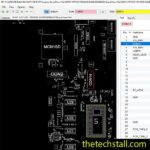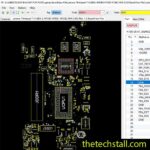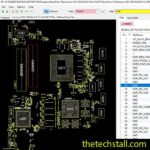
In the world of laptop chip-level repairing, precision and accurate documentation are critical. When dealing with motherboard faults, technicians rely on specialized repair resources that help them quickly locate components, trace signals, and identify faulty circuits. One such essential resource is the AAL10 LA-B843P BoardView File, widely used by technicians repairing the Dell Vostro 14-3458 motherboard.
Whether you’re an experienced motherboard engineer or a technician learning chip-level diagnostics, the AAL10 LA-B843P BoardView File can significantly improve repair efficiency. In this article, we will explain why technicians depend on this file, how it helps in troubleshooting motherboard faults, and which additional repair resources work best alongside it.
A BoardView file is a specialized motherboard layout file used in electronics repair software such as:
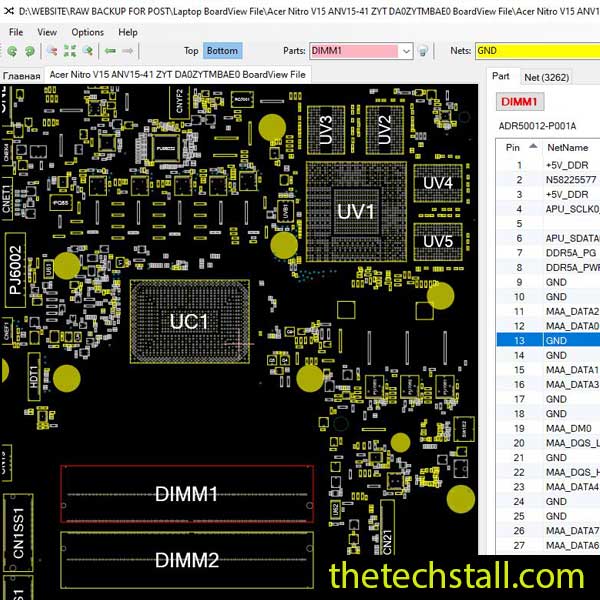
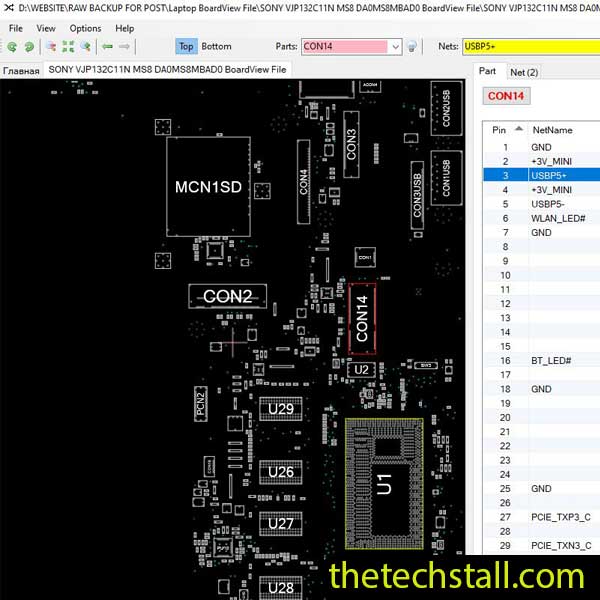
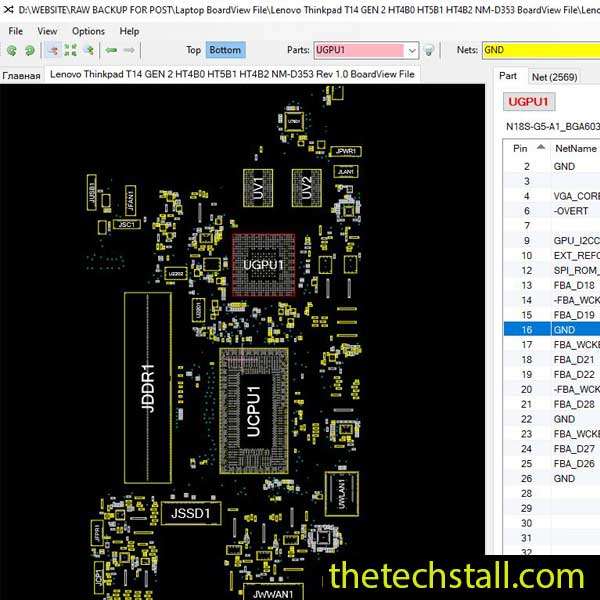
It displays the exact physical layout of components on a motherboard, allowing technicians to locate components like resistors, capacitors, ICs, and connectors quickly.
Unlike schematics that show electrical relationships, a BoardView file shows the real placement of parts on the board, making it easier to find test points during diagnostics.
Laptop motherboards contain hundreds or even thousands of tiny components. With the AAL10 LA-B843P BoardView File, technicians can instantly search for a component label such as:
This eliminates guesswork and speeds up the repair process.
When diagnosing issues like no power or short circuits, technicians often need to track specific power rails. The AAL10 LA-B843P BoardView File helps locate:
This makes it much easier to measure voltages and identify damaged components.
Many motherboard faults occur because of broken traces or shorted nets. BoardView software allows technicians to highlight the entire electrical network (net) connected to a component.
For example, selecting a power net will show every component connected to that line, making it easier to identify the source of a fault.
Short circuits are one of the most common motherboard issues. Using the AAL10 LA-B843P BoardView File, technicians can quickly locate all capacitors connected to a specific power rail and test them for shorts.
This dramatically reduces repair time compared to manual tracing.
A BoardView is powerful, but it works best when paired with other specialized resources:
This file is particularly useful for:
Even beginners learning motherboard diagnostics can greatly benefit from using BoardView tools.
Successful chip-level repair isn’t about luck; it’s about having the right data. By adding the AAL10 LA-B843P BoardView File to your digital library, you’re ensuring that no Dell Vostro 14-3458 leaves your workbench unrepaired.
Download “DELL Vostro 14 3458 AAL10 LA-B843P REV 1.0 (A00) BoardView File” DELL-Vostro-14-3458-AAL10-LA-B843P-REV-1.0-A00-BoardView-File.zip – Downloaded 1877 times – 244.53 KBThe AAL10 LA-B843P BoardView File is a powerful resource for technicians repairing the Dell Vostro 14-3458 motherboard. By providing a detailed map of the board layout, it allows technicians to locate components quickly, trace circuits accurately, and diagnose chip-level faults efficiently.
When combined with motherboard schematics, BIOS files, and professional repair software, the AAL10 LA-B843P BoardView File becomes an essential part of any laptop repair technician’s toolkit.

For tips on chip-level repair of laptop and desktop motherboards, visit our YouTube channel Repair Assistant and subscribe to our Facebook page repairassiastantbd for repair resource updates.
Ready to get to work? We are providing this essential resource to the technician community at no cost. Accuracy and precision are just a click away.