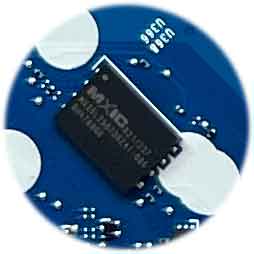
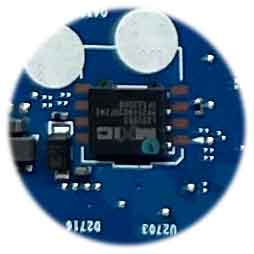
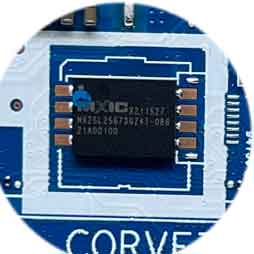
When it comes to modern laptops like the HP EliteBook 840 G8, technicians know that BIOS-related issues can bring even the most powerful systems to a standstill. Whether the laptop is showing a black screen, failing to boot, or displaying corrupted firmware data, the solution often lies in one powerful tool—the Corvette-6050A3217501-MB-A01 i5-1145G7 BIOS BIN File.
This BIOS BIN file has quickly become a trusted resource among motherboard repair experts for its reliability, compatibility, and precision. If you work in laptop board-level repair or data recovery, this file will likely become your go-to fix for BIOS corruption in the HP EliteBook 840 G8 motherboard.
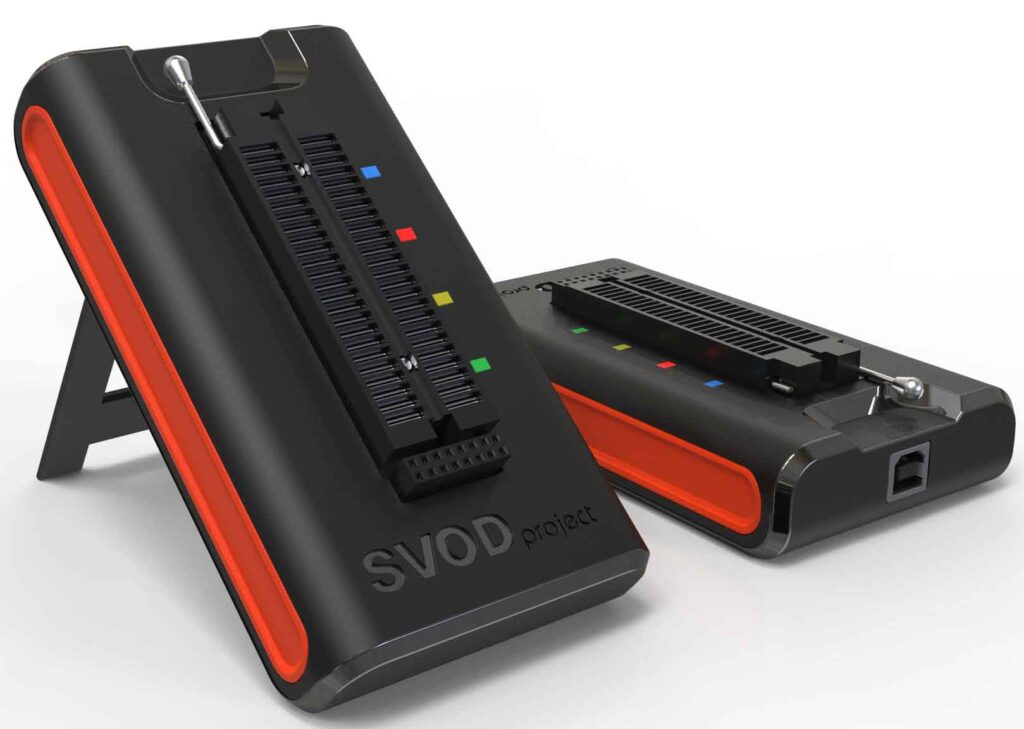
Note-1: SVOD 4 programmer was used to collect the Corvette-6050A3217501-MB-A01 i5-1145G7 BIOS BIN file of HP EliteBook 840 G8 laptop .
Note-2: Corvette-6050A3217501-MB-A01 i5-1145G7 BIOS BIN file has been collected from a fully functional HP EliteBook 840 G8 laptop. This file has not been edited in any way.
Before diving into why this BIOS file is so effective, it’s important to understand what a BIOS BIN file does. A BIOS BIN file (short for binary file) is a firmware file that stores essential code allowing your laptop to start, perform hardware checks, and load the operating system. When the BIOS data becomes corrupted—due to failed updates, virus infections, or power failures—the laptop can fail to power on or show no display at all.
The Corvette-6050A3217501-MB-A01 i5-1145G7 BIOS BIN File is specifically designed for the HP EliteBook 840 G8 motherboard, ensuring 100% compatibility with the Intel Core i5-1145G7 CPU configuration. Using this file during BIOS programming ensures that all firmware data aligns perfectly with the system hardware, restoring the motherboard’s ability to boot normally.
Motherboard technicians frequently encounter a wide range of BIOS issues. Fortunately, the Corvette-6050A3217501-MB-A01 i5-1145G7 BIOS BIN File can resolve many of them, including:
These issues are not unique to the HP EliteBook 840 G8, but using a model-specific BIOS file like the Corvette-6050A3217501-MB-A01 ensures that the fix is both accurate and permanent.
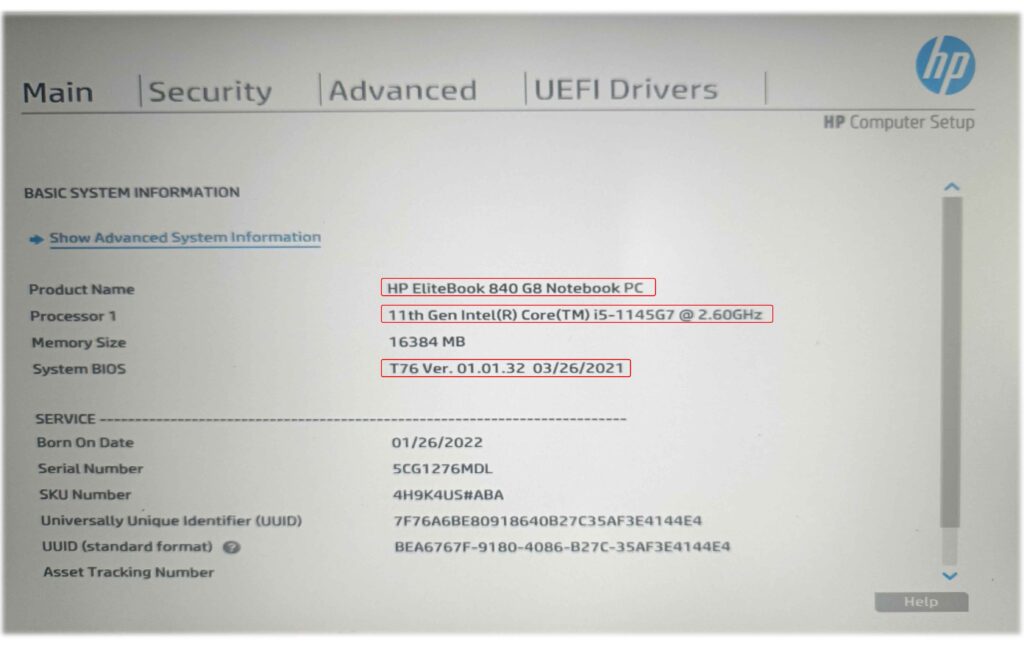
Following these steps ensures that the BIOS programming process is smooth and safe.
While the Corvette-6050A3217501-MB-A01 i5-1145G7 BIOS BIN File is a powerful solution, technicians can enhance their repair efficiency by using additional tools and resources:
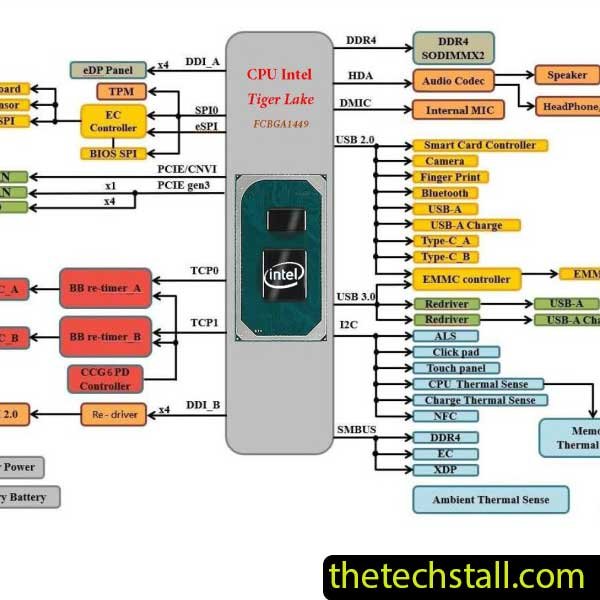
The CORVETTE-6050A3217501-MB-AX2 Rev.X01 schematic diagram is an essential tool for anyone facing hardware issues with the HP EliteBook 840 G8 laptop.

Using the CORVETTE-6050A3217501-MB-A01(A1) BoardView file can be a game-changer for technicians working on the HP 840 G8 motherboard.
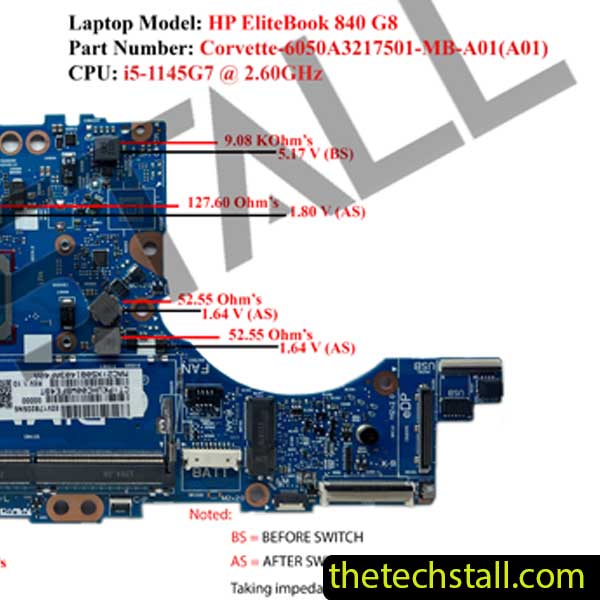
Complete Reference of Corvette-6050A3217501-MB-A01 Motherboard Impedance Value to Improve Technician Efficiency in HP EliteBook 840 G8 Laptop Repairs
By combining these resources, you can tackle even the most complex motherboard issues with confidence.
The Corvette-6050A3217501-MB-A01 i5-1145G7 BIOS BIN File stands out because it’s copy from tested and verified HP EliteBook 840 G8 motherboard.It’s a Working BIOS BIN FIle. It doesn’t just repair the BIOS—it restores system stability, ensures proper hardware communication, and eliminates guesswork in troubleshooting.
For any motherboard technician, having this BIOS BIN file on hand means being ready for any BIOS-related failure that comes through the workshop door.
You can download the Working Corvette-6050A3217501-MB-A01 i5-1145G7 BIOS BIN File using the link below:
Corvette-6050A3217501-MB-A01(A01) BIOS BIN File is a working bios file of HP EliteBook 840 G8 where i5-1145G7 @ 2.60GHz has been used as the processor. ME clean, ME Region and no other changes have been made. This bios file may need to be edited as required. Details will be coming to this blog very soon.

For tips on chip-level repair of laptop and desktop motherboards, visit our YouTube channel Repair Assistant and subscribe to our Facebook page repairassiastantbd for repair resource updates.