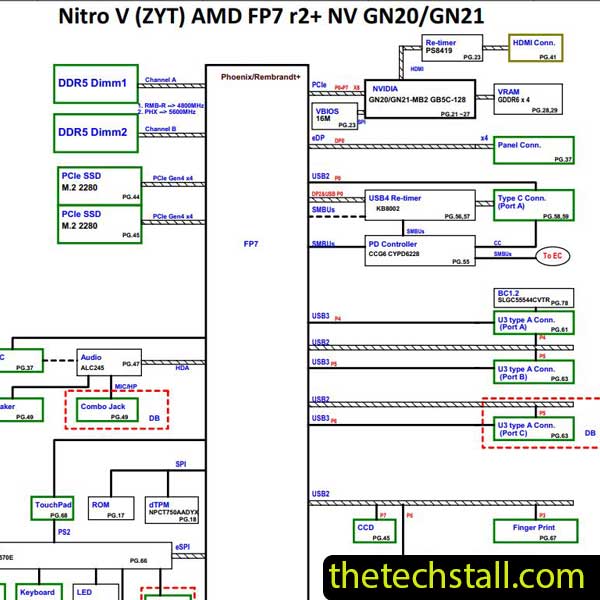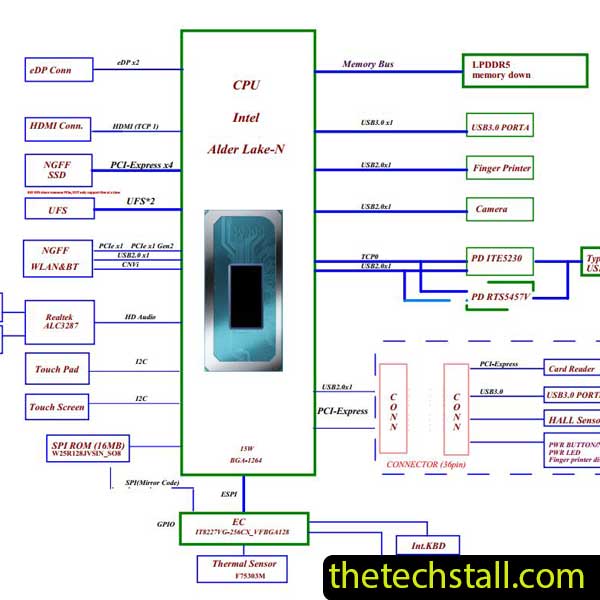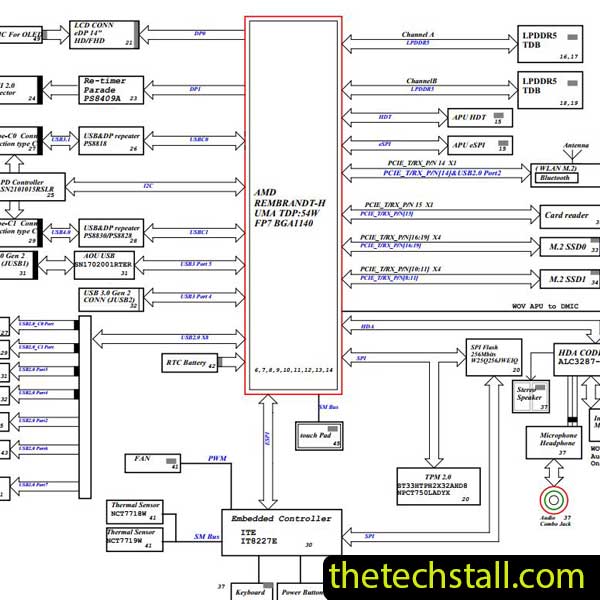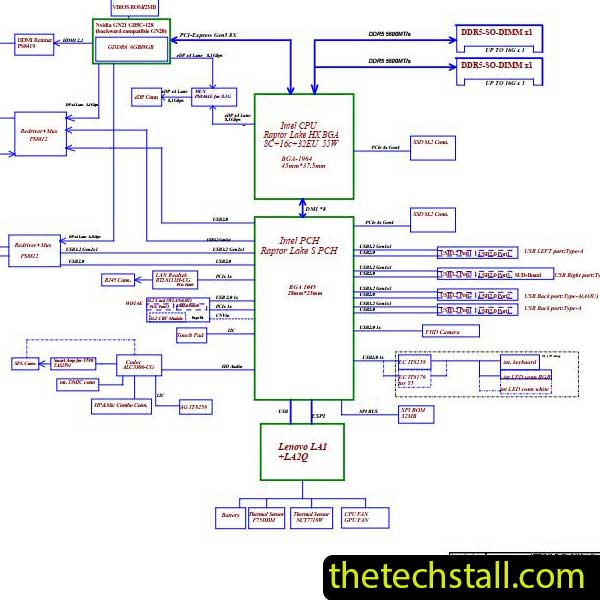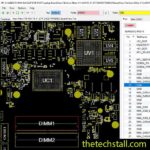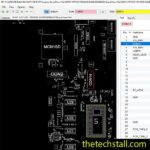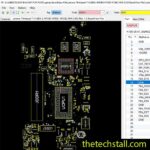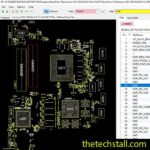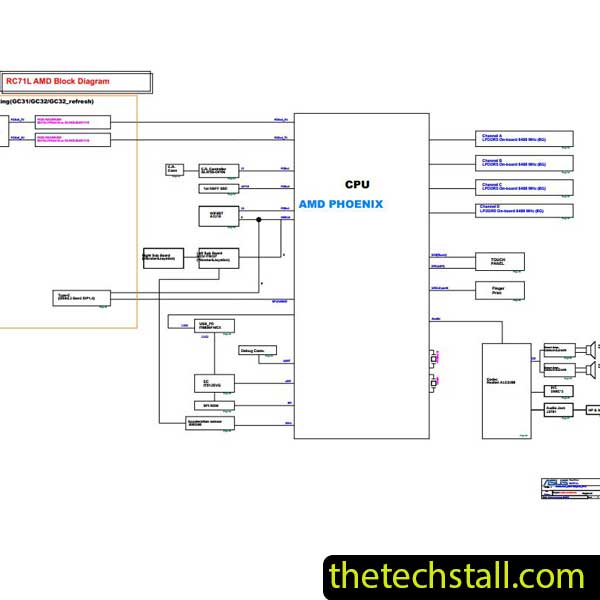
The NR2301L Schematic Diagram is the official motherboard circuit blueprint for the ASUS ROG Ally RC71L. It provides detailed information about every component on the board — from power rails and MOSFETs to signal paths and data lines. By using this schematic, technicians can trace faulty circuits, analyze voltage fluctuations, and identify defective chips with precision.
For motherboard technicians, having access to this schematic is like having a map to navigate through complex electrical layers. It helps you visualize how different sections of the board communicate, and more importantly, how to isolate and fix issues when a section stops functioning.
Laptop motherboards have become more compact and complex with each generation. The ASUS ROG Ally RC71L, for instance, uses a highly integrated design that demands a schematic for effective diagnosis. Here’s why the NR2301L Schematic Diagram is indispensable:
While the schematic is the backbone of motherboard repair, combining it with other tools and resources will boost your success rate:
Working with modern laptop motherboards like the ASUS ROG Ally RC71L requires precision, patience, and reliable documentation. The NR2301L Schematic Diagram provides everything a technician needs to diagnose and fix chip-level faults with accuracy and confidence. Whether you’re repairing power issues, display faults, or charging problems, this schematic is your go-to resource.

For tips on chip-level repair of laptop and desktop motherboards, visit our YouTube channel Repair Assistant and subscribe to our Facebook page repairassiastantbd for repair resource updates.
This may be your best resource for fixing laptop motherboard chiplevel faults.