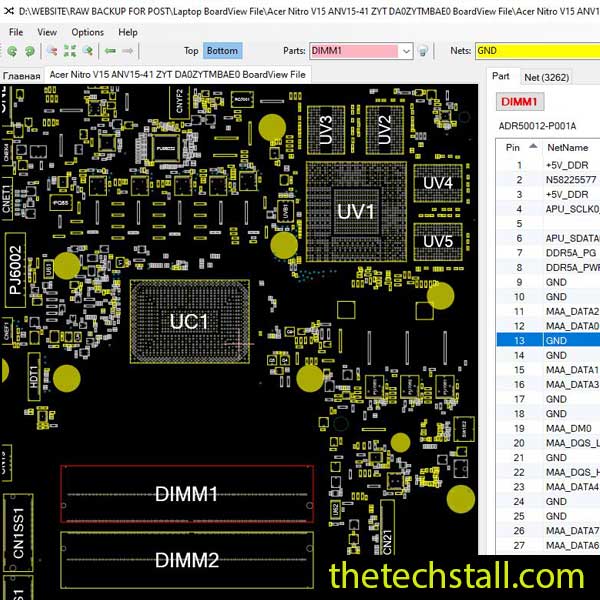
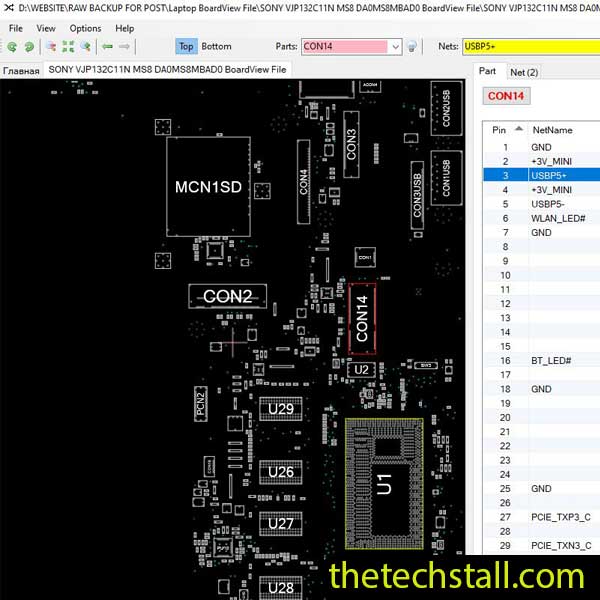
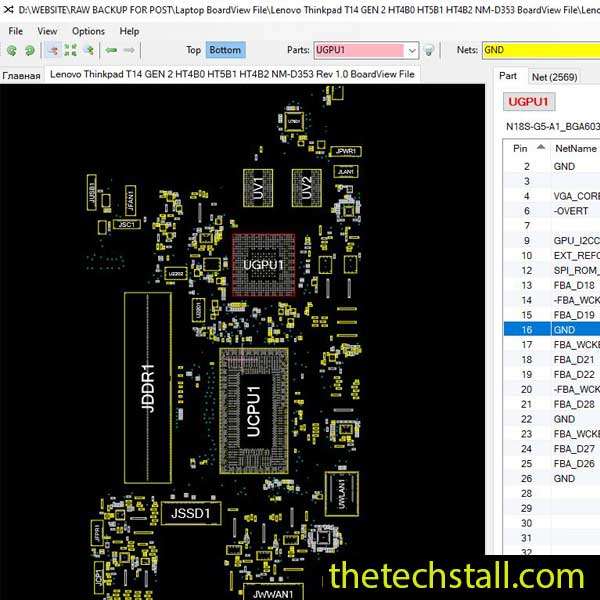
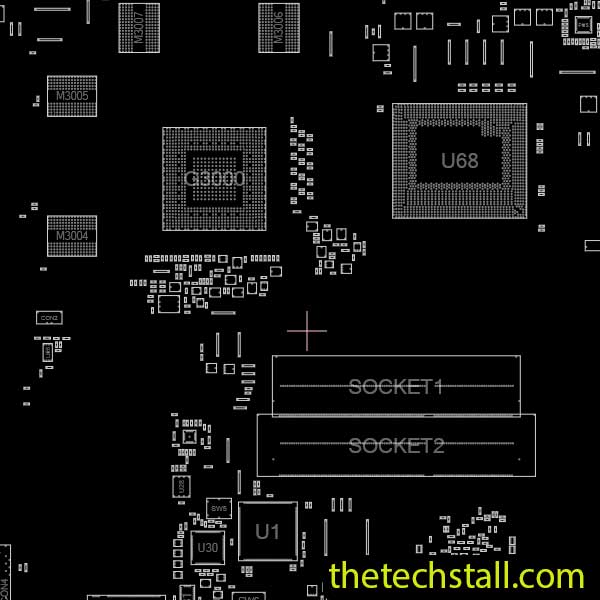
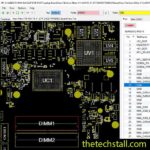
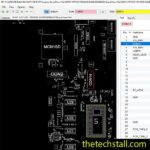
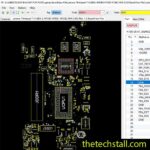
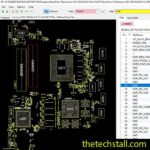
When it comes to diagnosing and fixing laptop motherboard problems, having the right tools and resources makes all the difference. For technicians working on ASUS N750JV series laptops, the N750JV BoardView File is one of the most essential resources for accurate and efficient troubleshooting. This powerful file helps you visualize and analyze the motherboard layout, understand circuit connections, and pinpoint component-level faults in just minutes.
A BoardView file is a digital representation of a laptop motherboard’s physical and electrical layout. It displays all major components, signal paths, vias, and net connections that link various parts of the board. Technicians use BoardView files with specialized software (like OpenBoardView or BoardViewer) to visualize the board’s structure.
For the N750JV motherboard, the BoardView file allows you to:
Whether you’re fixing a no-power, no-display, or charging issue, the N750JV BoardView File remains one of the most valuable assets for any professional repair technician.

To make the most of your N750JV BoardView File, pair it with these additional repair tools and resources:
When combined, these tools make the repair process much smoother and ensure accuracy during every step of diagnosis and rework.
Mastering motherboard repair starts with understanding your tools. The N750JV BoardView File provides detailed insight into the ASUS N750JV laptop’s architecture, helping technicians save time, minimize errors, and improve repair success rates. By combining it with the right schematics, BIOS files, and diagnostic instruments, you’ll have everything you need to restore even the most complex motherboard issues.

For tips on chip-level repair of laptop and desktop motherboards, visit our YouTube channel Repair Assistant and subscribe to our Facebook page repairassiastantbd for repair resource updates.