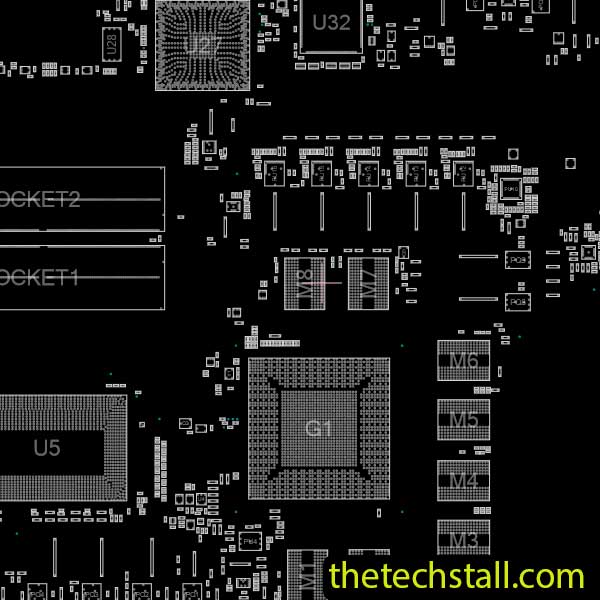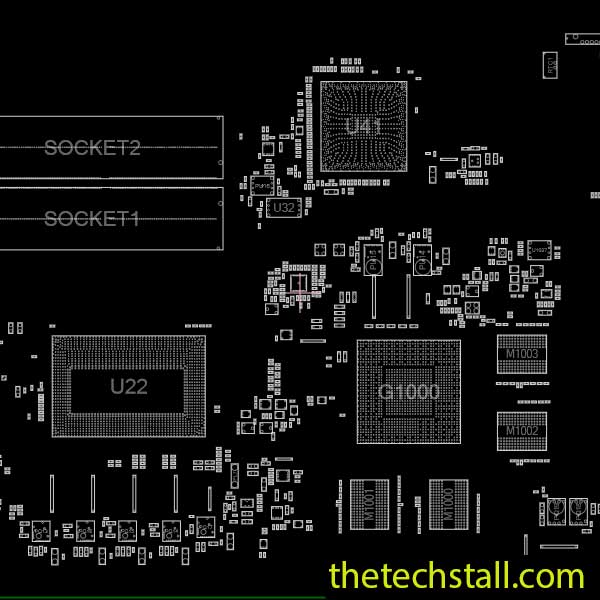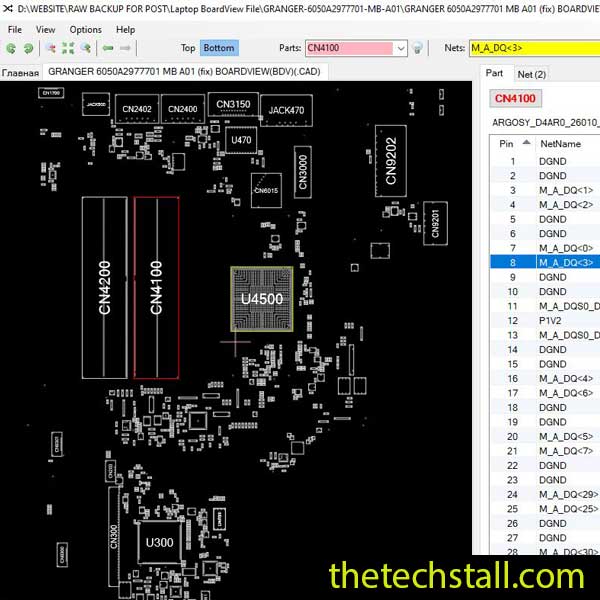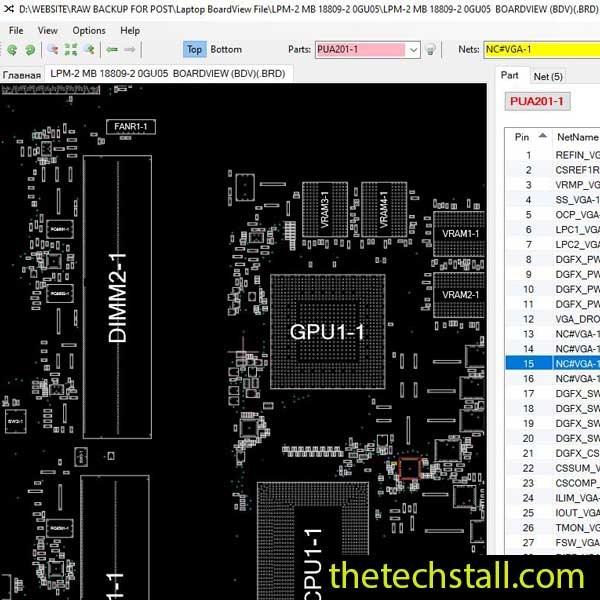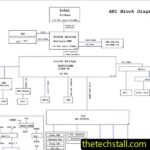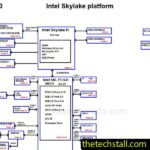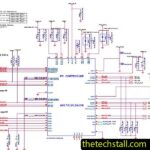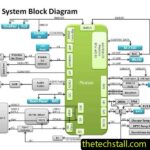

If you’ve spent enough time around laptop motherboard repair, you already know one thing: schematics tell part of the story, but BoardView files are where the real clarity begins. Especially when you’re dealing with older yet still widely circulating machines like the ASUS GX531GX, having the right reference can turn a frustrating dead board into a predictable, fixable job.
That’s exactly where the GX531GX BoardView File becomes a real game changer for technicians working at chip level.
The ASUS GX531GX motherboard isn’t exactly rare in repair shops. It shows up with classic symptoms—no power, shorted rails, no display, or sudden shutdowns after a brief start. At first glance, it can feel like one of those boards that eats time for breakfast. But once you map it properly using the GX531GX BoardView File, the whole board starts to make more sense. Nets become visible in a practical way, component relationships are clearer, and suddenly you’re not guessing anymore—you’re tracing.
When you’re doing chip-level repair, guessing is the fastest way to lose time. The GX531GX BoardView File helps you pinpoint exactly where signals travel, which capacitors sit on which rail, and how power sequencing flows across the board.
On the ASUS GX531GX motherboard, this is especially useful around the power IC section and CPU/GPU supply rails. Many technicians struggle here because faults don’t always show visible damage. A MOSFET can look fine and still be leaking. A rail can be partially shorted and still mislead you with normal resistance readings if you’re not mapping it properly.
With a proper BoardView, you stop working blind. You start seeing patterns.
Let’s talk real-world problems you’ll likely face with this board:
In many of these cases, the fault isn’t just “one bad chip.” It’s usually a small failure in a chain—like a shorted capacitor on a secondary rail or a damaged MOSFET controlling a switching line. The GX531GX BoardView File helps you trace that chain without wasting hours lifting components randomly.
If you’re approaching the ASUS GX531GX motherboard repair properly, start simple but stay systematic.
First, check resistance on main power rails. If you spot a short, don’t rush. Use the BoardView to identify all components connected to that rail. On this board, even a tiny ceramic capacitor near the CPU power section can pull down the whole line.
Next, isolate the section. Inject voltage carefully and watch for heat signatures. Here again, the GX531GX BoardView File helps you decide which area is logically grouped, so you’re not heating half the board unnecessarily.
Then move to MOSFET and PWM controller verification. Many ASUS GX531GX failures come from weak power switching stages rather than full IC burnout. This is where experience matters, but the BoardView gives you the map—you just need to follow it.
One thing that separates beginners from seasoned motherboard technicians is discipline. The ASUS GX531GX board can tempt you into random replacement work because it’s an older platform. But that’s exactly where structured diagnosis wins.
Instead of asking “what’s broken?”, start asking “what rail is not behaving correctly?” and “what components share this line?” That shift alone makes the GX531GX BoardView File incredibly powerful in your workflow.
Also, don’t ignore BIOS-related symptoms. A corrupted BIOS chip on the ASUS GX531GX can easily mimic power failure. Always verify basic power rails before jumping to programming tools.

For tips on chip-level repair of laptop and desktop motherboards, visit our YouTube channel Repair Assistant and subscribe to our Facebook page repairassiastantbd for repair resource updates.
While the GX531GX BoardView File is central for hardware tracing, pairing it with the right supporting tools makes your workflow smoother:
When used together, these resources turn chip-level repair from guesswork into a repeatable process.
Download “Asus Zephyrus S GX531GX R2.0 60NR02H0-MB1010 BoardView File” view – Downloaded 847 times – 83.10 KBRepairing the ASUS GX531GX motherboard doesn’t have to feel like trial and error. Once you start working with structured data instead of assumptions, everything becomes more predictable. The GX531GX BoardView File is one of those tools that quietly changes how you approach debugging—it doesn’t fix the board for you, but it definitely shows you where to look first, second, and third.
If you’re serious about improving your chip-level repair skills, working alone will slow you down. That’s why joining a dedicated repair network makes a real difference.
Our community at:
👉 https://repaircommunity.thetechstall.com/
Gives you access to:
Instead of wasting hours searching for a single repair resource file in different places, join our repair community for free and request the file you want. Our tech support team will try to deliver it as quickly as possible. This is an effective way to improve quickly.
If you’re actively working on this model or seeing it regularly in your repair bench, having this BoardView file on hand is less of an option and more of a necessity.