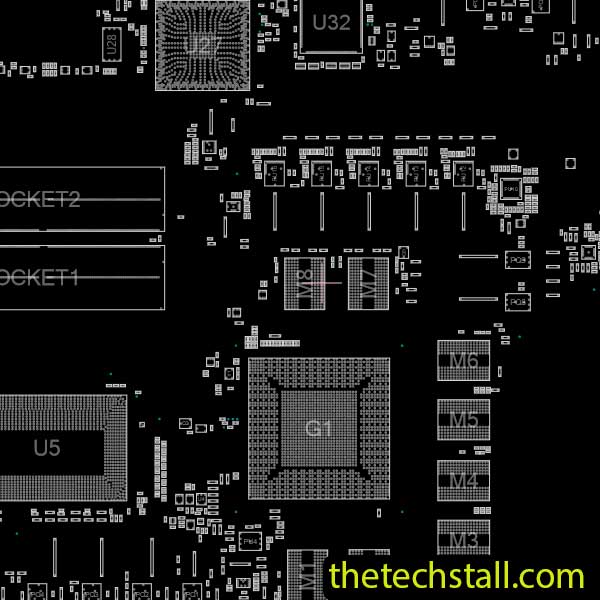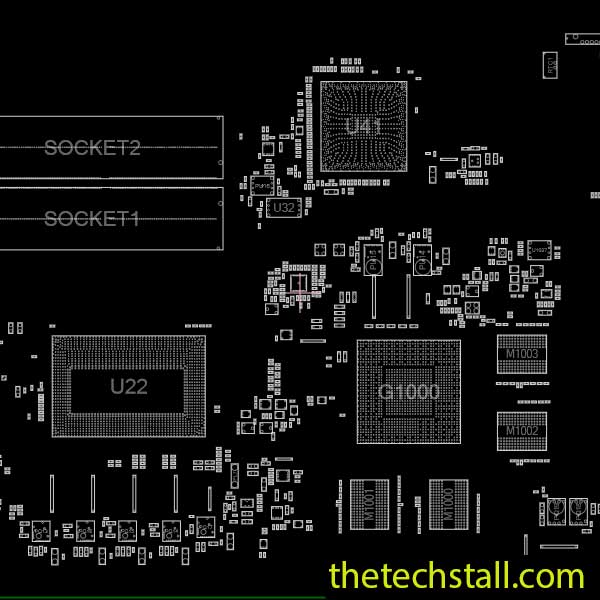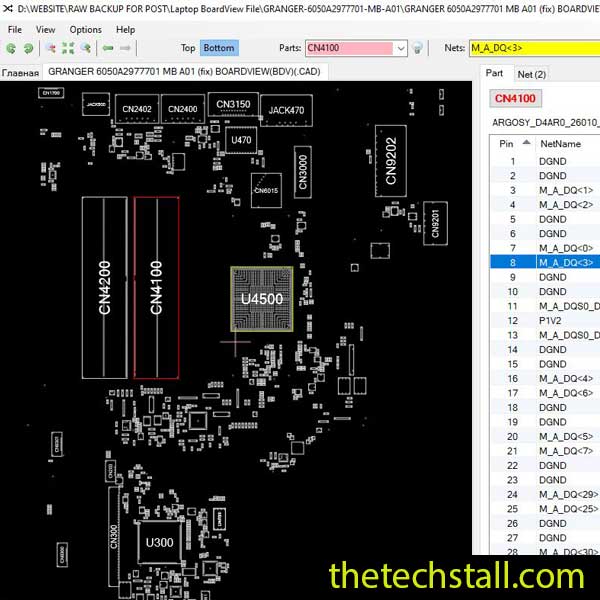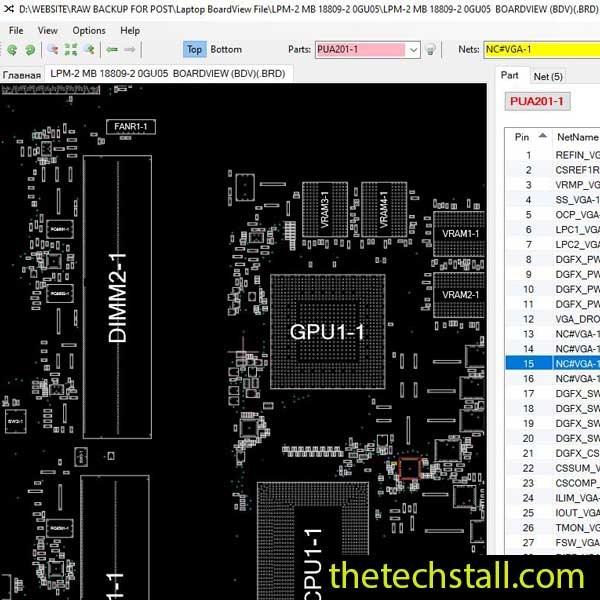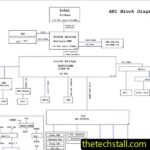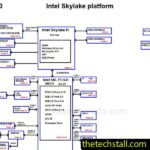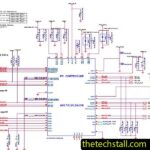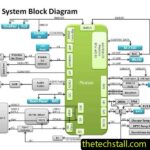
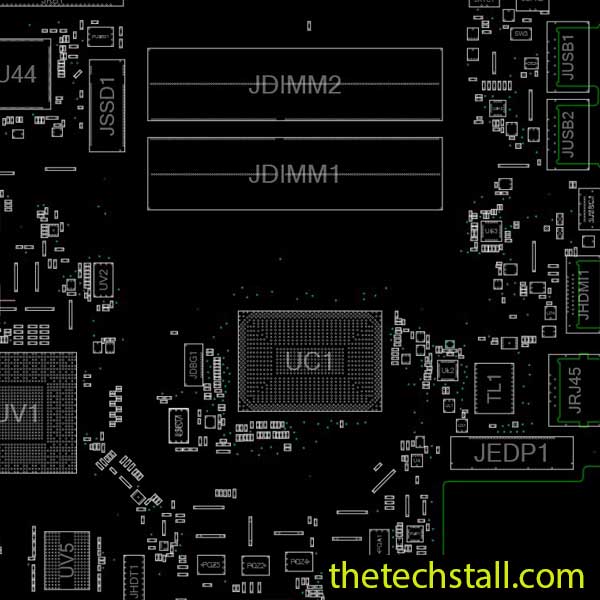
When you’re working on a dead or faulty Acer Aspire A715-42G laptop motherboard, having the right repair files can save a surprising amount of time. Instead of searching around the board trying to identify tiny components, a technician can use the LA-K831P BoardView File to understand exactly where components are located and move through the repair process with much more confidence.
The Acer Aspire A715-42G uses the LA-K831P motherboard, and repair resources for this board commonly include both BoardView and schematic files.
For chip-level technicians, the BoardView file becomes especially useful when the fault has already been narrowed down to a particular circuit, component, or signal line.
The LA-K831P BoardView File is a digital representation of the motherboard layout. It helps technicians identify component locations, reference designators, and board positions without having to rely only on the physical PCB.
This is particularly helpful on modern laptop motherboards, where hundreds of small resistors, capacitors, MOSFETs, coils, ICs, and other components can be packed into a relatively small area.
Let’s say the schematic tells you that a particular resistor or MOSFET is involved in a power rail. The schematic explains the electrical relationship, but you still need to find that component on the actual motherboard.
That’s where BoardView becomes useful.
One of the biggest advantages of the LA-K831P BoardView File is simple: it reduces the time spent looking for components.
A technician can search for a reference such as a resistor, capacitor, coil, MOSFET, or IC and then use the board layout to determine where that part is physically positioned.
This becomes valuable during repairs involving:
When a board is densely populated, being able to identify the correct component location can make the difference between a quick repair and an hour of unnecessary searching.
The LA-K831P BoardView File is most useful when it is used together with the LA-K831P schematic diagram.
The two files serve different purposes.
The schematic shows how the circuit works. It helps you understand voltage rails, component connections, power sequences, control signals, and signal paths. The BoardView file, on the other hand, helps you find those components on the physical motherboard.
So, rather than using one file by itself, a practical repair workflow is to use both.
For example, if a voltage rail is missing, you can first study the relevant circuit in the schematic. Once you identify the components involved, BoardView can help you locate those components on the actual LA-K831P motherboard.
That combination makes troubleshooting much more organized.
When repairing an Acer Aspire A715-42G motherboard, it helps to approach the problem step by step.
Start with the physical symptoms. Check the input voltage, charging section, main power rails, and other basic conditions using your normal diagnostic procedure.
Once you have a suspicious circuit, open the LA-K831P schematic diagram and study the relevant section. Identify the components and signals that need to be checked.
Then switch to the LA-K831P BoardView File.
Find the corresponding component on the board and confirm its physical location. From there, you can measure voltages, check resistance to ground, inspect surrounding components, and continue tracing the fault.
This approach is much more reliable than simply replacing components based on guesswork.
The BoardView file is only one part of a useful motherboard repair toolkit.
For the Acer Aspire A715-42G, technicians may also need the LA-K831P schematic diagram, BIOS files, EC firmware, component datasheets, and other technical references depending on the fault.
The schematic is particularly important when the problem involves power sequencing, charging, BIOS communication, voltage regulation, or control signals. Technical repair resources for this platform are commonly distributed as a combination of schematic, BoardView, BIOS, and EC files.
Having these resources available before starting a difficult repair can save a lot of time.
If you are currently repairing an Acer Aspire A715-42G and need the correct motherboard layout, you can download the LA-K831P BoardView File for free from the resource below.
Keep the BoardView file together with the LA-K831P schematic diagram in your repair library. Having both available makes it much easier to move from circuit analysis to the physical board.
Good repair work is not only about having the right tools. Knowing how to read a schematic, understand a power circuit, locate components, and follow a signal path is what gradually makes difficult motherboard faults easier to handle.
If you regularly work on laptop and desktop motherboards, you can also follow Repair Assistant for more chip-level repair tips, troubleshooting ideas, and repair resources.

YouTube: Repair Assistant
Facebook: Repair Assistant on Facebook
And if you’re looking for a place to find and request motherboard repair resources, you can join our RepairCommunity for free:
The community is designed for technicians who work with laptop and desktop motherboard repair and need access to useful schematic diagrams, BoardView files, and other repair resources.
For the Acer Aspire A715-42G, keeping the LA-K831P BoardView File and LA-K831P schematic diagram together is a simple but effective way to make chip-level troubleshooting faster, more organized, and more precise.