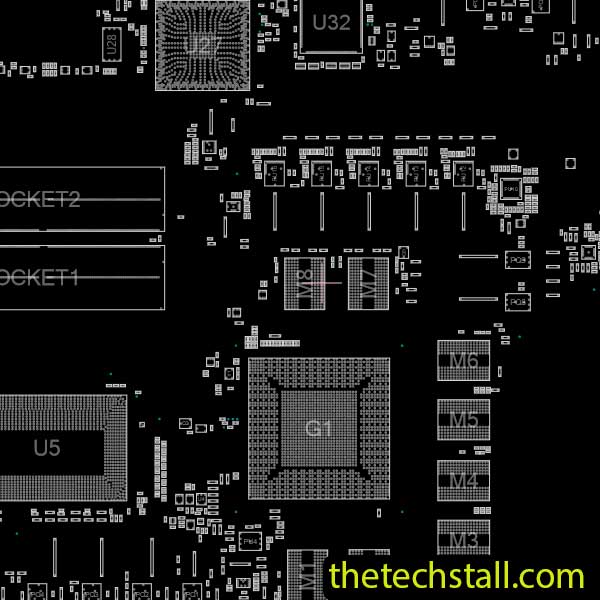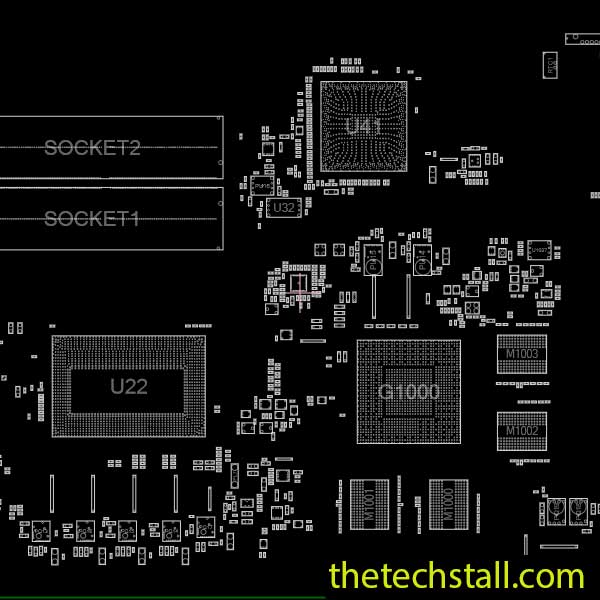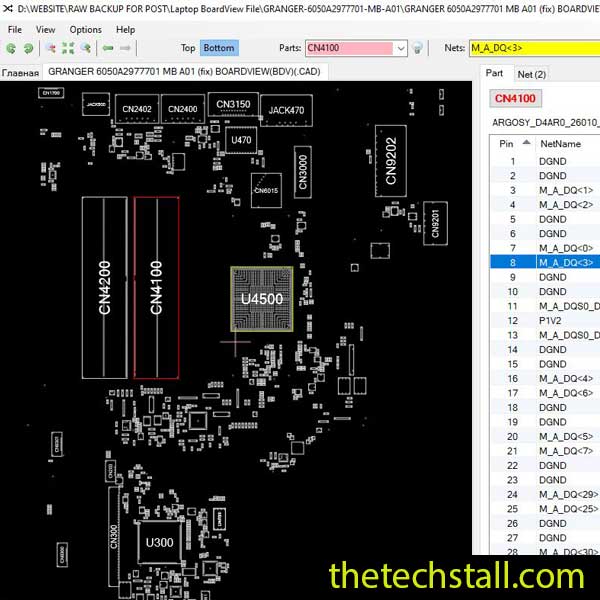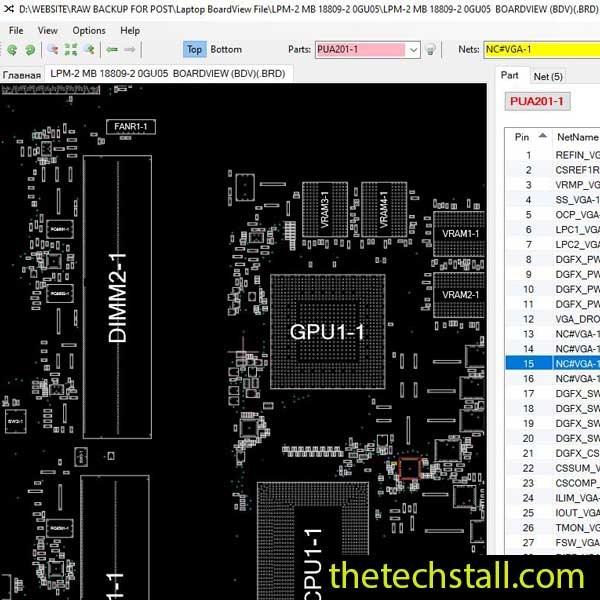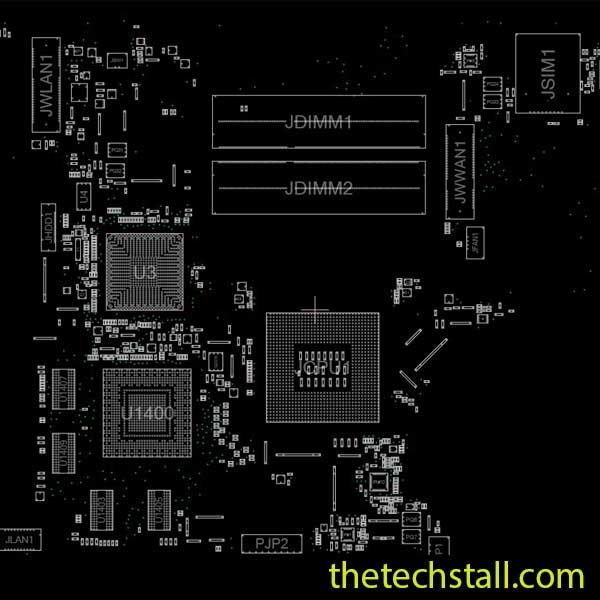
If you’re repairing an Acer Aspire 3830TG motherboard at the chip level, having the right technical resources can save hours of troubleshooting. One of the most valuable files you can keep in your repair toolkit is the LA-7121P BoardView File. It helps you identify component locations, trace circuit paths, and diagnose motherboard faults with greater speed and accuracy.
Whether you’re an experienced motherboard technician or just getting started with chip-level repairs, the LA-7121P BoardView File makes the repair process far more efficient. On this page, you can download the file for free and use it alongside other essential repair resources to complete your work with confidence.
A BoardView file is a digital map of a laptop motherboard. Instead of spending valuable time locating tiny components under a microscope, you can instantly identify their exact positions on the board.
The LA-7121P BoardView File is specifically designed for the Acer Aspire 3830TG motherboard. It allows technicians to:
For technicians handling multiple repair jobs every day, this file becomes an essential part of the repair workflow.
Modern laptop motherboards are densely packed with tiny SMD components. Without a BoardView file, even finding a single damaged resistor can take several minutes.
Using the LA-7121P BoardView File helps you:
Instead of relying on visual inspection alone, technicians can verify component placement and quickly move from diagnosis to repair.
Although the BoardView file is incredibly useful on its own, combining it with other repair documents gives you a much clearer picture of the motherboard.
A schematic diagram explains how every component is electrically connected. While the BoardView shows where a component is located, the schematic shows how it functions within the circuit.
Using both resources together makes troubleshooting power issues, charging faults, display problems, and no-boot conditions much easier.
If the Acer Aspire 3830TG experiences BIOS corruption, boot loops, or firmware-related issues, a verified BIOS dump file can help restore normal operation after programming the BIOS chip.
Datasheets provide detailed specifications for ICs, PWM controllers, charging chips, MOSFETs, and other motherboard components. They help technicians understand voltage requirements, pin functions, and operating conditions.
Programs such as OpenBoardView and BoardViewer 2.0.1.9(Beta) allow technicians to open the LA-7121P BoardView File and interact with the motherboard layout. These applications make searching for components fast and convenient during live repairs.
Technicians frequently encounter several recurring faults on the LA-7121P motherboard, including:
With the LA-7121P BoardView File, locating the affected components becomes much more straightforward, allowing repairs to be completed faster and with greater accuracy.
This resource is suitable for:
Whether you’re repairing a customer’s laptop or practicing advanced motherboard troubleshooting, this file is a valuable addition to your repair library.
We’re committed to helping the repair community by providing reliable motherboard repair resources at no cost. You can download the LA-7121P BoardView File directly from our website and use it for your Acer Aspire 3830TG repair projects.
Before starting your repair, we also recommend downloading the matching schematic diagram, BIOS file, and other motherboard repair documents. Using these resources together gives you a more complete understanding of the board and significantly improves your chances of a successful repair.

For tips on chip-level repair of laptop and desktop motherboards, visit our YouTube channel Repair Assistant and subscribe to our Facebook page repairassiastantbd for repair resource updates.
If this resource helped you repair your Acer Aspire 3830TG motherboard, be sure to explore our growing collection of free BoardView files, schematic diagrams, BIOS dumps, and chip-level repair resources for hundreds of laptop models. Keeping these files organized in your repair toolkit will save time, improve diagnostic accuracy, and make every repair job a little easier.
If you’re serious about improving your chip-level repair skills, working alone will slow you down. That’s why joining a dedicated repair network makes a real difference.
Our community at:
👉 https://repaircommunity.thetechstall.com/
Gives you access to:
Instead of wasting hours searching for a single repair resource file in different places, join our repair community for free and request the file you want. Our tech support team will try to deliver it as quickly as possible. This is an effective way to improve quickly.