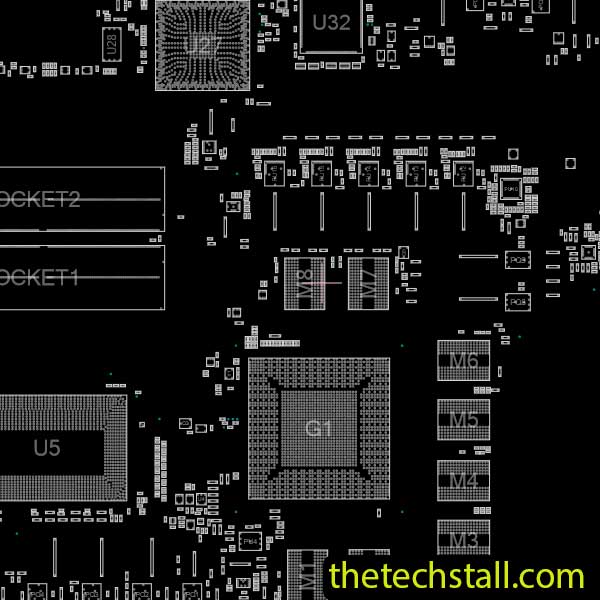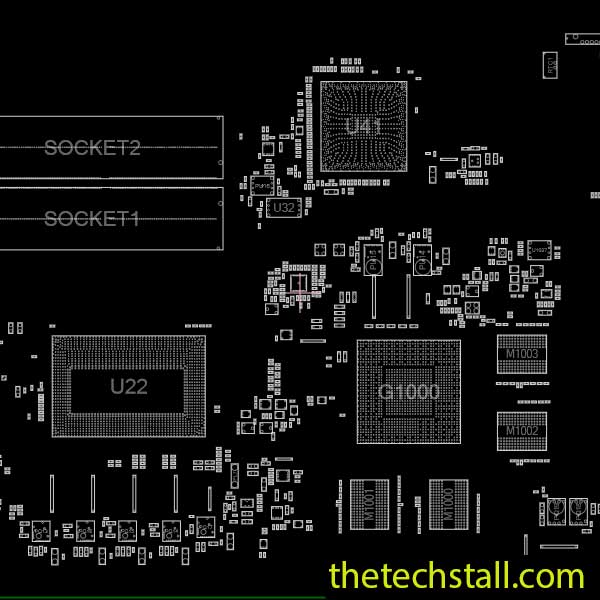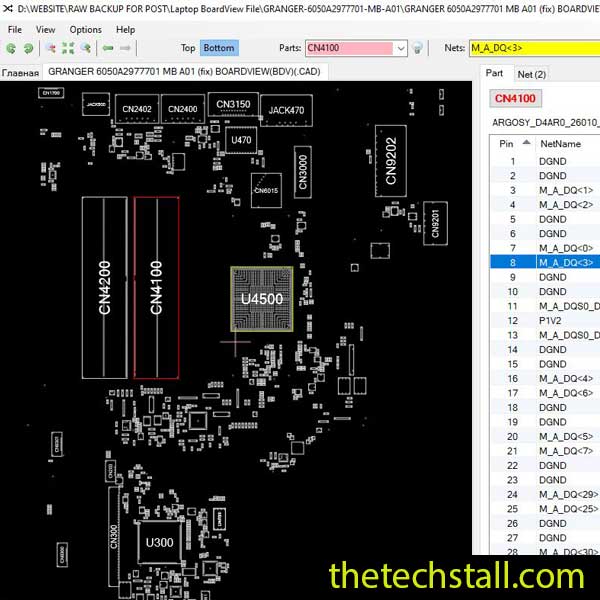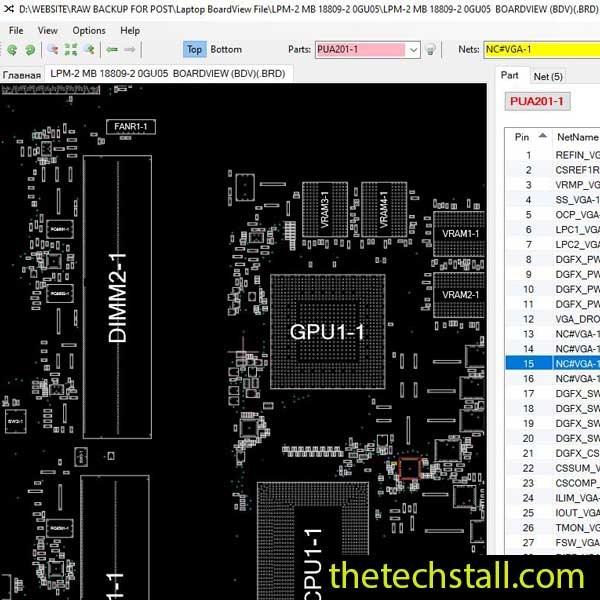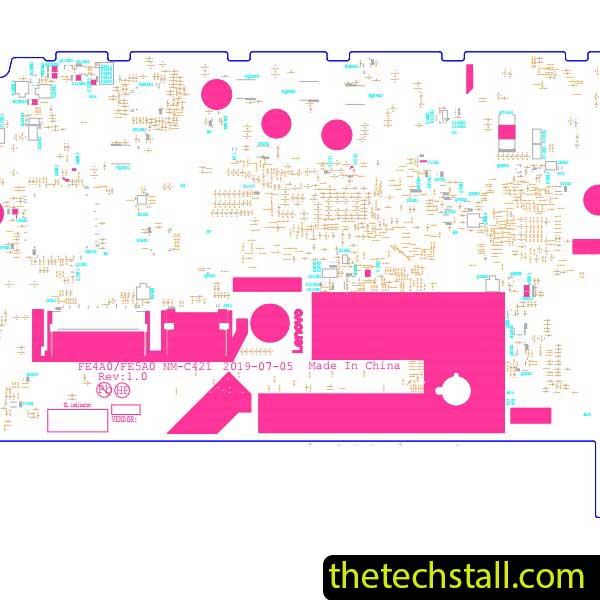
In the high-stakes world of chip-level laptop repair, time is literally money. When a dead Lenovo ThinkPad E14 lands on your workbench, the difference between a successful fix and a “no-repair” return often comes down to the quality of your documentation. While a schematic gives you the logic, the NM-C421 BoardView file gives you the map.
For technicians working on the Lenovo ThinkPad E14, having access to the right technical resources can make the difference between a quick fix and hours of unnecessary troubleshooting. One such essential resource is the NM-C421 BoardView file, a powerful tool that simplifies motherboard diagnostics and repair.
In this blog, we’ll explore how the NM-C421 BoardView file helps technicians efficiently diagnose and fix motherboard issues, and how it works alongside other repair resources to improve success rates.
The NM-C421 BoardView file is a visual representation of the laptop motherboard layout. It shows the exact placement of components such as resistors, capacitors, ICs, coils, and connectors. Unlike schematic diagrams, which focus on electrical connections, BoardView files provide a physical map of the board.
For the Lenovo ThinkPad E14, this file is specifically designed to match the NM-C421 motherboard, allowing technicians to quickly locate components and test points without guesswork.
One of the biggest challenges in motherboard repair is identifying tiny SMD components. The NM-C421 BoardView file allows technicians to pinpoint exact component locations using labels and coordinates. This eliminates confusion and reduces the risk of working on the wrong part.
Instead of manually tracing circuits, technicians can use the BoardView file to instantly locate faulty areas. For example, if there’s a short circuit in a power rail, the file helps identify all components connected to that line, saving valuable time.
With a clear visual layout, technicians can avoid damaging nearby components during repair. This is especially important when working on dense motherboard sections.
The BoardView file often includes test points, making it easier to measure voltage levels across different sections of the board. This helps in diagnosing issues like no power, no display, or charging problems.
While the NM-C421 BoardView file is powerful on its own, it becomes even more effective when used alongside other repair tools and files.
A schematic diagram provides the electrical blueprint of the motherboard. When used with the BoardView file, technicians can understand both the physical layout and circuit logic.
This combination is essential for advanced troubleshooting.
Sometimes, motherboard issues are related to corrupted BIOS. Having a BIOS dump file allows technicians to reprogram the chip and restore functionality.
Hardware tools like multimeters and DC power supplies are necessary for testing voltage and current. The BoardView file guides where to probe and what to check.
For complex signal-related issues, an oscilloscope can be used along with the BoardView file to analyze waveform behavior.
Here’s a simple workflow technicians can follow:
This structured approach improves both speed and accuracy.
To make your repair work easier and more efficient, you can download the NM-C421 BoardView file for free using the link below:
The NM-C421 BoardView file is an indispensable resource for laptop motherboard technicians working on the Lenovo ThinkPad E14. By providing a clear visual layout of the board, it simplifies complex repair tasks and enhances overall efficiency.
When combined with schematic diagrams, BIOS files, and proper diagnostic tools, this file becomes a complete solution for chip-level troubleshooting. Whether you’re a beginner or an experienced technician, integrating the NM-C421 BoardView file into your workflow will significantly improve your repair capabilities.

For tips on chip-level repair of laptop and desktop motherboards, visit our YouTube channel Repair Assistant and subscribe to our Facebook page repairassiastantbd for repair resource updates.
If you’re serious about professional laptop repair, this is one tool you simply can’t afford to ignore.