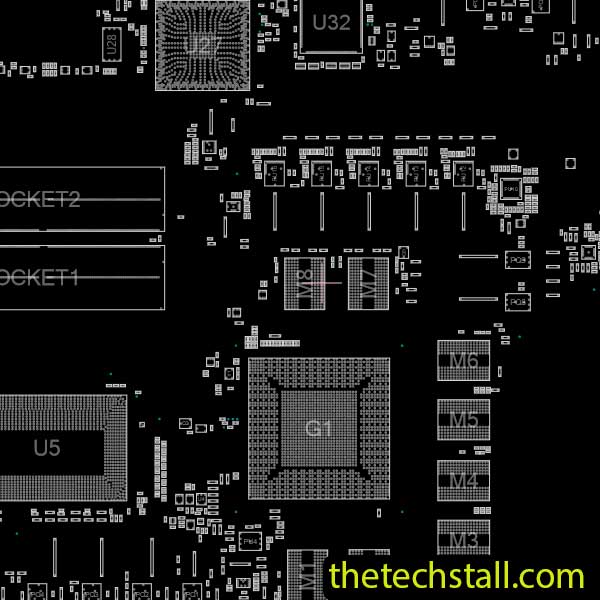
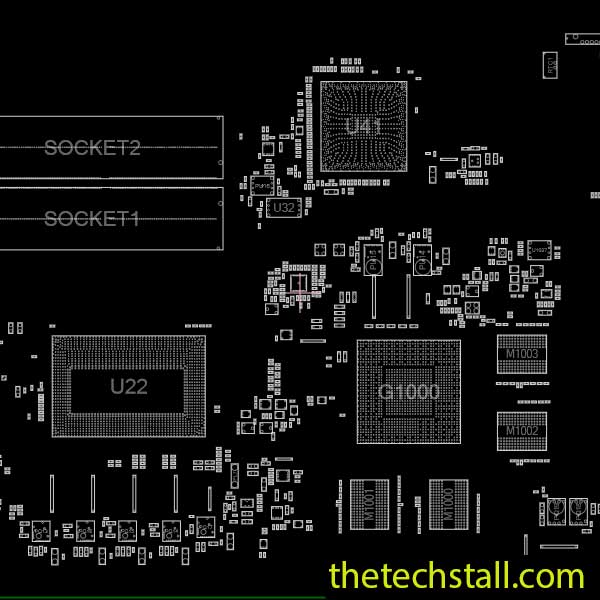
How to Easily Troubleshoot ASUS N551JM Laptop motherboard Issues Using the N551JM BoardView File
When it comes to diagnosing and fixing laptop motherboard problems, having the right tools and resources makes all the difference. For technicians working on ASUS N551JM series laptops, the N551JM BoardView File is one of the most essential resources for accurate and efficient troubleshooting. This powerful file helps you visualize and analyze the motherboard layout, understand circuit connections, and pinpoint component-level faults in just minutes.
What Is a BoardView File?
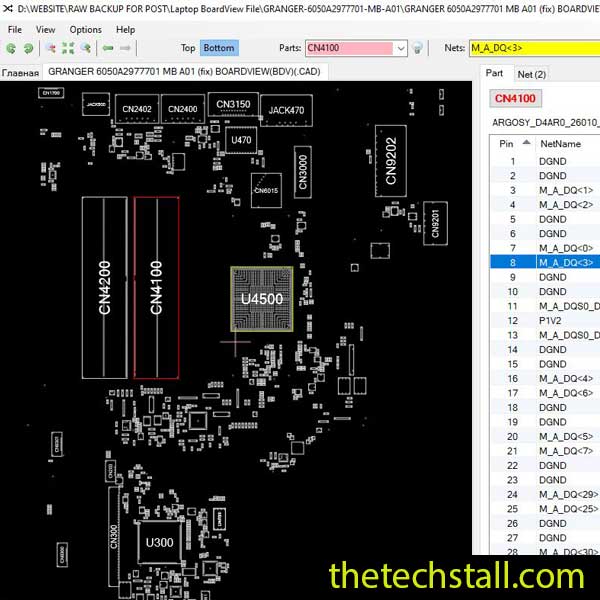
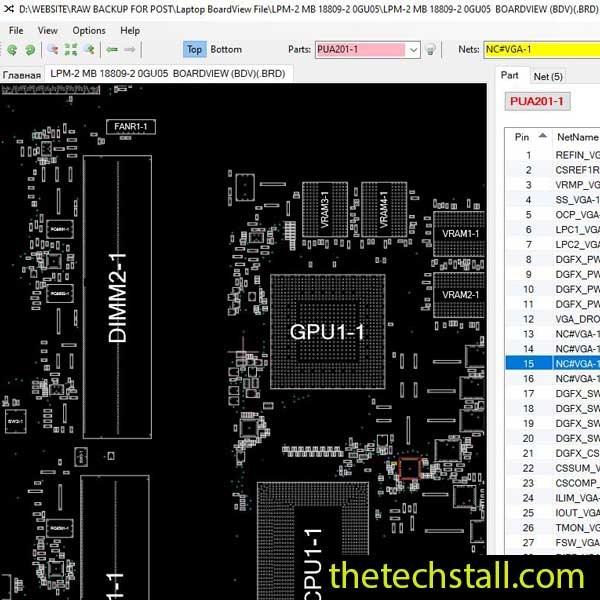
A BoardView file is a digital representation of a laptop motherboard’s physical and electrical layout. It displays all major components, signal paths, vias, and net connections that link various parts of the board. Technicians use BoardView files with specialized software (like OpenBoardView or BoardViewer) to visualize the board’s structure.
For the N551JM motherboard, the BoardView file allows you to:
Identify component locations and part numbers quickly.
Trace voltage lines and signals across different layers.
Check continuity between test points.
Detect short circuits, open lines, or faulty connections.
Cross-reference with the schematic diagram for faster diagnostics.
How to Use the N551JM BoardView File for Troubleshooting
Obtain the Correct BoardView File Download the authentic N551JM BoardView File from a trusted source. Always verify that it matches the board code printed on your motherboard (near the RAM slot or on the PCB surface).
Install BoardView Software Use a compatible viewer tool such as OpenBoardView, Allegro Free Viewer, or BoardViewer. These tools allow you to open and explore the .BDV or .BRD file format of your board.
Load the File and Locate Components Once opened, you can search for components by their designators (like PQ301, PL402, PU601, etc.). This makes it easy to identify defective MOSFETs, coils, capacitors, and ICs.
Trace Power Rails and Signals When a laptop doesn’t power on or charge, use the BoardView file to follow power rails from the DC jack through the charger IC to the battery management system. The N551JM BoardView File highlights the nets and nodes clearly for efficient tracing.
Combine with a Schematic Diagram The best troubleshooting method involves using the BoardView file alongside the N551JM schematic diagram. While the schematic explains the electrical function, the BoardView shows you where those parts physically exist on the board.
Why Technicians Prefer the N551JM BoardView File
Time Efficiency: Speeds up troubleshooting by allowing visual tracing instead of guesswork.
Precision: Shows every component’s position, net name, and pin number for error-free repair.
Compatibility: Works with multiple viewing software programs.
Reliability: Reduces the risk of missing hidden faults or misidentifying components.
Whether you’re fixing a no-power, no-display, or charging issue, the N551JM BoardView File remains one of the most valuable assets for any professional repair technician.
File
To make the most of your N551JM BoardView File, pair it with these additional repair tools and resources:
Schematic Diagram (PDF) – Offers circuit logic, voltage values, and signal flow.
Mastering motherboard repair starts with understanding your tools. The N551JM BoardView File provides detailed insight into the ASUS N551JM laptop’s architecture, helping technicians save time, minimize errors, and improve repair success rates. By combining it with the right schematics, BIOS files, and diagnostic instruments, you’ll have everything you need to restore even the most complex motherboard issues.
For tips on chip-level repair of laptop and desktop motherboards, visit our YouTube channel Repair Assistant and subscribe to our Facebook page repairassiastantbd for repair resource updates.