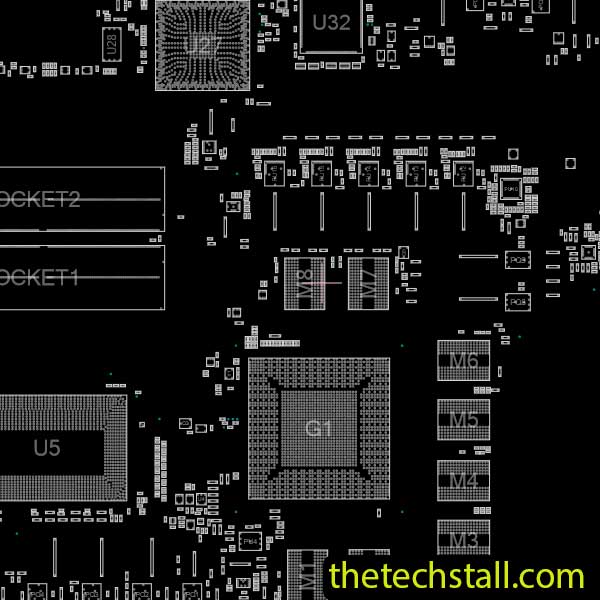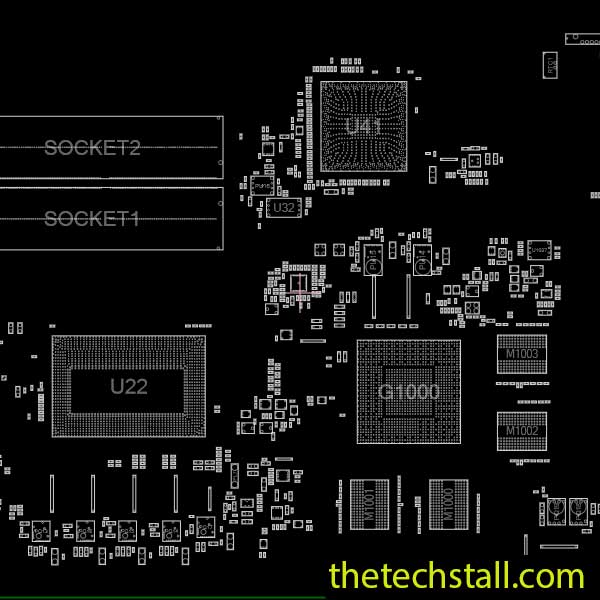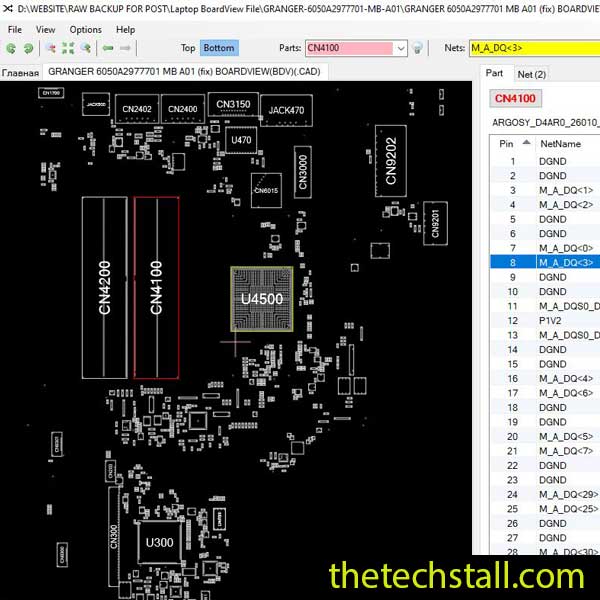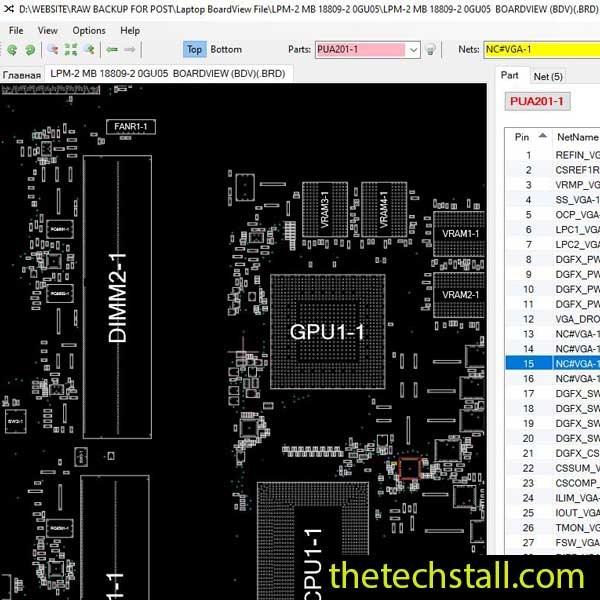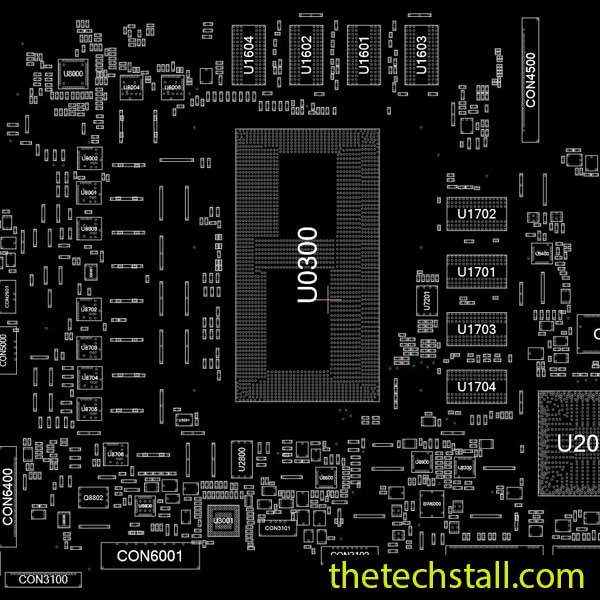
In today’s fast-paced repair world, every minute counts—especially when dealing with complex motherboard faults. If you’re a laptop technician aiming to sharpen your chip-level repair skills and speed up your diagnostics, the Pegatron GS5FA BoardView File is your secret weapon. Specifically designed for the Acer Aspire 7 A715-73G motherboard, this file simplifies tracing signals, locating components, and fixing faults with precision and confidence.
Let’s dive into how this file can revolutionize your repair workflow—and yes, there’s a free download link at the end!
The Pegatron GS5FA BoardView File is a digital blueprint of the Acer Aspire 7 A715-73G motherboard. It shows all components, connections, ICs, resistors, capacitors, and signal lines. Think of it as a GPS for your repair journey—it guides you precisely to the issue, no guesswork involved.
It’s not just a schematic—it’s an interactive, component-level map you can load into tools like OpenBoardView or BoardViewer 2.0.1.9(Beta) or Allegro Free Board Viewer or .GR BoardViewer.
Instead of spending hours tracing lines with a multimeter, you can quickly visualize the entire layout of the Pegatron GS5FA board. See faulty areas at a glance.
Missing voltage? Use the BoardView to trace the signal path from power ICs to outputs and find out where it stops.
Avoid trial-and-error repairs. Know exactly which components are connected, their positions, and part numbers.
New to chip-level repair? The BoardView file is a practical learning tool that helps beginners understand board design and structure.
Symptoms:
How the Pegatron GS5FA BoardView File Helps:
Symptoms:
How the BoardView File Helps:
Symptoms:
How the BoardView File Helps:
You’ll need a compatible viewer like:
Once opened, the file will display the motherboard’s component layout.
Search for:
Use a multimeter to check:
✔ Voltage on power rails
✔ Continuity on signal lines
✔ Resistance on suspected shorts
Once you’ve identified the bad part (e.g., a burnt MOSFET or a dead BIOS chip), replace it and retest.
Having the right file makes all the difference. You can download the Pegatron GS5FA BoardView file for free from the link below:
Repairing an Acer Aspire 7 A715-73G at the chip level doesn’t have to be a nightmare. With the Pegatron GS5FA BoardView file, you can:
🚀 Cut diagnosis time in half
🔧 Fix issues with precision
💰 Increase your repair success rate (and profits!)

For tips on chip-level repair of laptop and desktop motherboards, visit our YouTube channel Repair Assistant and subscribe to our Facebook page repairassiastantbd for repair resource updates.
Multimeter & Hot Air Station
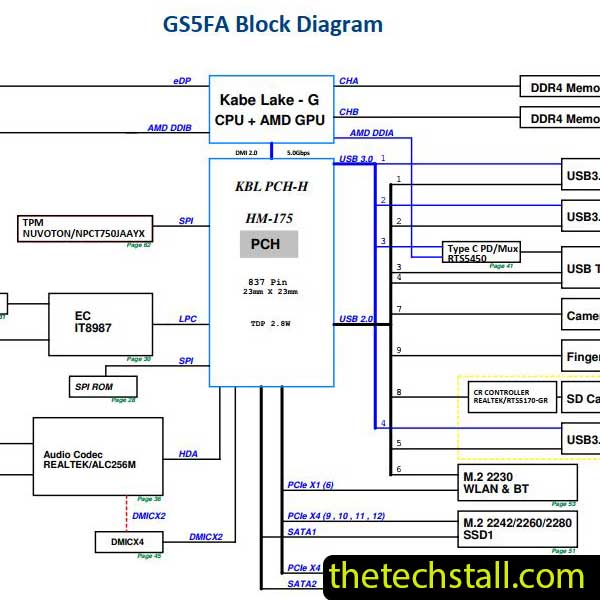
Schematic Diagram of Pegatron GS5FA
When combined with the BoardView file, these tools unlock professional-level repair power.
Don’t waste time guessing—download the BoardView file today and take your laptop repairs to the next level!