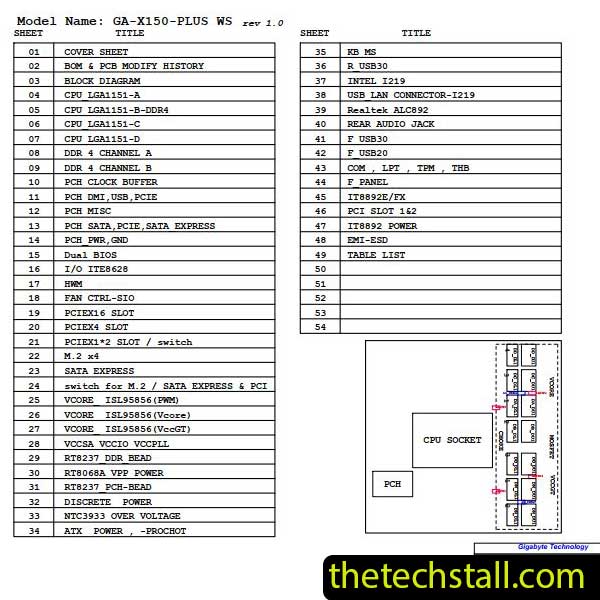
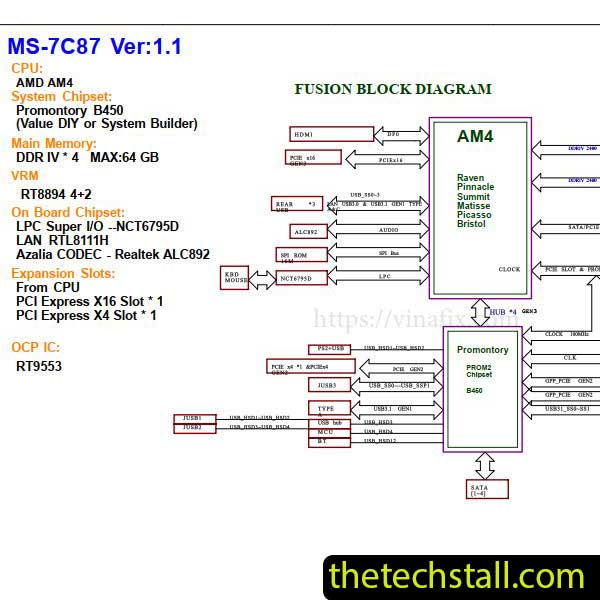
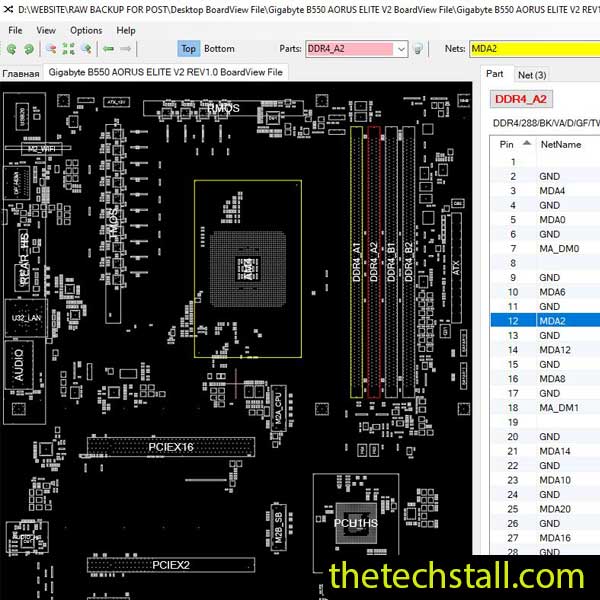
Download the PEGATRON IPMAL-BR3 schematic diagram to simplify chip-level repairs of the Acer Aspire Z20-730 motherboard.
Chip-level motherboard repairs demand precision, patience, and accurate technical resources. When it comes to repairing the Acer Aspire Z20-730 motherboard, having access to the PEGATRON IPMAL-BR3 schematic diagram can make all the difference. This invaluable resource simplifies complex repair processes, enabling technicians to troubleshoot and fix hardware issues effectively.
Why the PEGATRON IPMAL-BR3 Schematic Diagram Matters
The Acer Aspire Z20-730 is a high-performance all-in-one (AIO) PC designed for productivity and reliability. However, like all electronics, its motherboard can encounter issues due to wear, power surges, or accidental damage. This is where the PEGATRON IPMAL-BR3 schematic diagram comes into play.
Key Benefits of Using the Schematic Diagram
Clear Circuit Understanding: The diagram provides detailed insights into the motherboard’s circuits, enabling technicians to identify components, connections, and pathways.
Accurate Troubleshooting: With precise information about the motherboard’s design, identifying faulty components becomes straightforward, reducing the time spent on guesswork.
Component Replacement: The schematic highlights every component, from resistors to integrated circuits (ICs), making it easier to locate and replace damaged parts.
Efficiency in Repairs: Having a schematic diagram reduces repair time, improves accuracy, and increases the likelihood of a successful fix.
Features of the PEGATRON IPMAL-BR3 Schematic Diagram
The PEGATRON IPMAL-BR3 schematic diagram is a comprehensive guide tailored to meet the needs of professionals and DIY enthusiasts alike. Here are some standout features:
Detailed Component Layout: Every element of the motherboard is mapped, including capacitors, transistors, and ICs.
Power Supply Information: The diagram includes clear details about power delivery circuits, crucial for diagnosing power-related issues.
Signal Traces: Signal pathways are meticulously documented, helping to troubleshoot data and communication faults.
User-Friendly Format: The schematic is available in a clear, easy-to-read format, ensuring compatibility with various devices, including PCs and tablets.
High Resolution: Every line and label is crisp, reducing errors caused by misinterpretation.
How to Use the PEGATRON IPMAL-BR3 Schematic Diagram
Once you download the schematic diagram, you can use it effectively by following these steps:
Study the Layout: Familiarize yourself with the motherboard’s sections and identify the area needing repair.
Trace the Fault: Use the diagram to trace signal paths, power supply lines, and data connections, pinpointing faults quickly.
Verify Component Functionality: Compare the schematic’s information with actual measurements using diagnostic tools like a multimeter or oscilloscope.
Perform Repairs: Replace damaged components or repair broken traces based on the diagram’s guidance.
Test the System: Reassemble the motherboard and test it thoroughly to confirm the repair.
How to Download the PEGATRON IPMAL-BR3 Schematic Diagram
Ensure you’re downloading the correct file by checking the name and version. Once downloaded, save the file to your preferred location. Extract the contents if it’s in a compressed format like .zip or .rar. Open the file using a PDF reader or similar software, and you’re ready to start your repair journey.
Repairing the Acer Aspire Z20-730 motherboard doesn’t have to be a daunting task. By downloading the PEGATRON IPMAL-BR3 schematic diagram, you equip yourself with the knowledge and tools needed to perform precise, effective chip-level repairs.
Don’t let a damaged motherboard slow you down. Access the schematic today and get your repairs on the right track.
For tips on chip-level repair of laptop, desktop motherboards check out our YouTube channel Repair Assistant and subscribe to our Facebook page repairassiastantbd for repair resource updates.