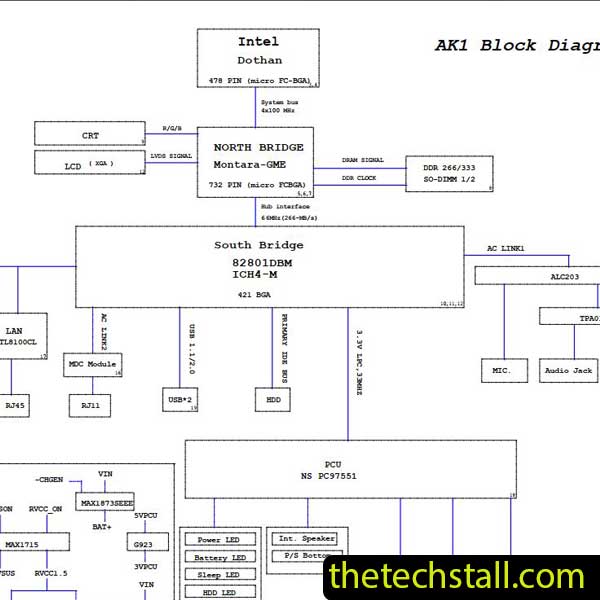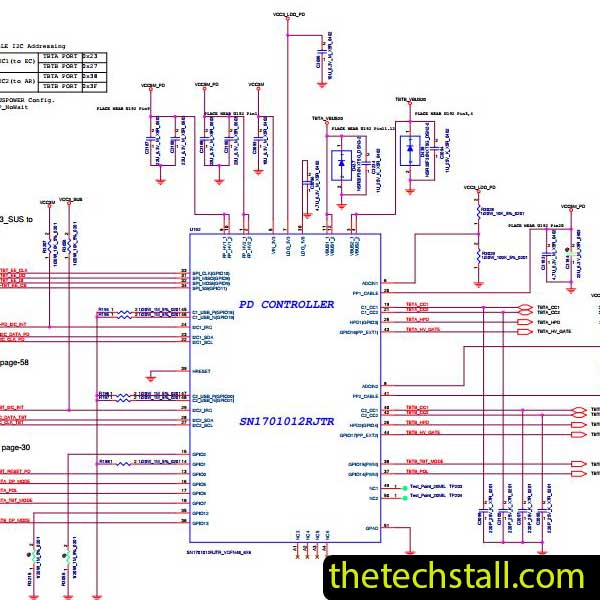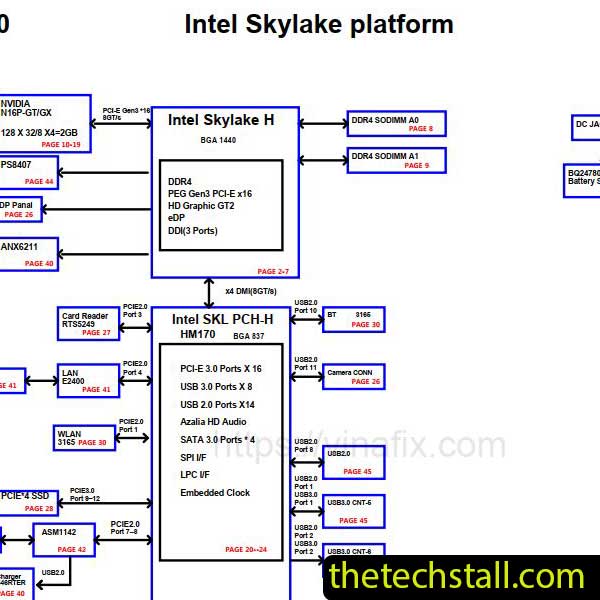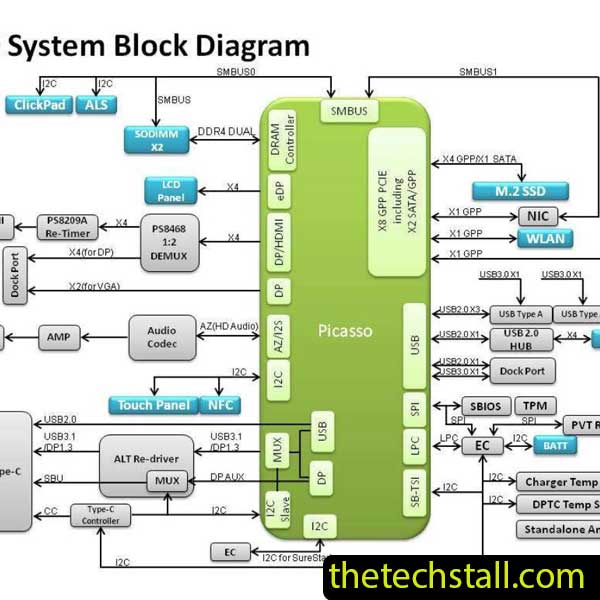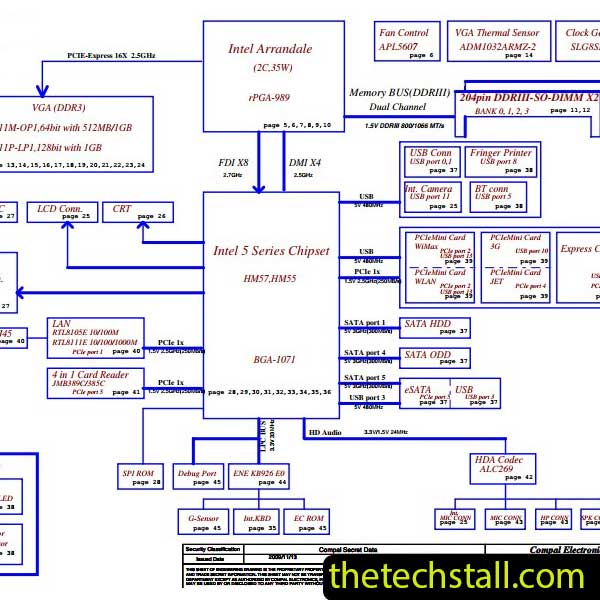
In the world of chip-level motherboard repair, we often joke that we are part-time surgeons and part-time detectives. When a Toshiba Satellite M600/M6455 lands on your workbench with a “No Power” or “No Display” symptom, you don’t just start poking around with a soldering iron. You need a map.
That map is the LA-6072P Schematic Diagram. Whether you are a seasoned pro or a technician just starting your journey into the intricacies of PCB traces, understanding this specific motherboard architecture is the difference between a 15-minute fix and three hours of wasted labor.
The Toshiba Satellite M600/M645 (often utilizing the LA-6072P motherboard) is known for its reliability, but like any aging hardware, it suffers from common failure points. Without the LA-6072P Schematic Diagram, you are essentially flying blind.
The schematic allows you to:
To save time and money, you need a systematic approach. Here is how to use the LA-6072P Schematic Diagram to tackle the most common chip-level faults:
Start at the beginning. Use the schematic to locate the Charging IC . Check the $V_{in}$ and the $ACIN$ signal. If the charger IC doesn’t detect the adapter, it won’t release the $ACOK$ signal to the KBC/SIO chip. By following the schematic, you can verify if a simple resistor divider has failed rather than replacing a perfectly good IC.
The LA-6072P Schematic Diagram provides the “Power Sequence” chart. This is a goldmine. It tells you the exact order in which voltages must rise. If $+1.X VP$ (RAM voltage) is missing, the CPU will never initialize.
If you see corrosion, the schematic helps you “reconstruct” the circuit. If a trace is eaten away, the diagram tells you exactly which two points to bridge with a jumper wire, ensuring the board’s logic remains intact.
While the schematic is essential, combining it with other tools enhances your efficiency even further.
Boardview software complements the schematic by showing the physical location of components on the motherboard. When paired with the LA-6072P Schematic Diagram, it becomes much easier to locate test points and components quickly.
A digital multimeter is your primary tool for checking voltages, continuity, and resistance. For more advanced diagnostics, an oscilloscope helps analyze signal behavior, especially in clock and data lines.
Sometimes the issue isn’t hardware but corrupted firmware. Having access to verified BIOS files for the LA-6072P board can help resolve boot-related problems.
These tools help identify short circuits or overheating components quickly, especially when the schematic points you to a suspicious power rail.

For tips on chip-level repair of laptop and desktop motherboards, visit our YouTube channel Repair Assistant and subscribe to our Facebook page repairassiastantbd for repair resource updates.
Ready to start repairing? We’ve got you covered. Having the right documentation is the first step toward a successful repair.
If you’re serious about improving your chip-level repair skills, working alone will slow you down. That’s why joining a dedicated repair network makes a real difference.
Our community at:
👉 https://repaircommunity.thetechstall.com/
Gives you access to:
Instead of wasting hours searching for a single repair resource file in different places, join our repair community for free and request the file you want. Our tech support team will try to deliver it as quickly as possible. This is an effective way to improve quickly.
The LA-6072P Schematic Diagram is more than just a technical document—it’s a powerful tool that transforms how you approach motherboard repairs. For Toshiba Satellite M600/M645 technicians, it offers a structured, efficient, and professional way to diagnose and fix complex faults.
Instead of relying on guesswork, you gain precision. Instead of wasting time, you gain efficiency. And ultimately, you increase your success rate in chip-level repairs.