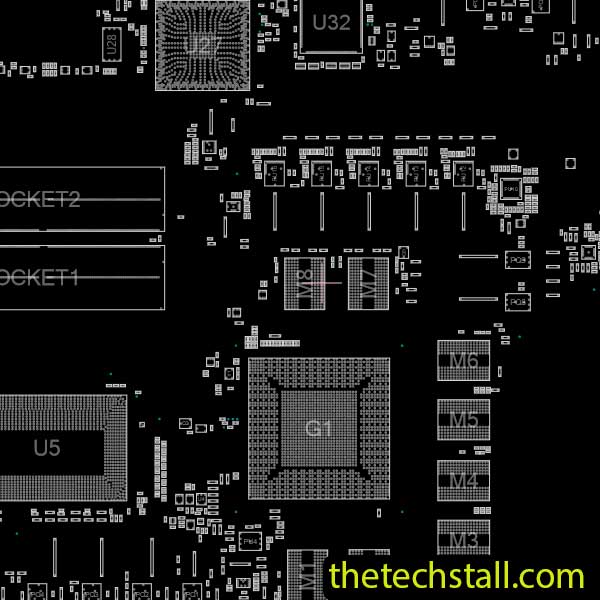
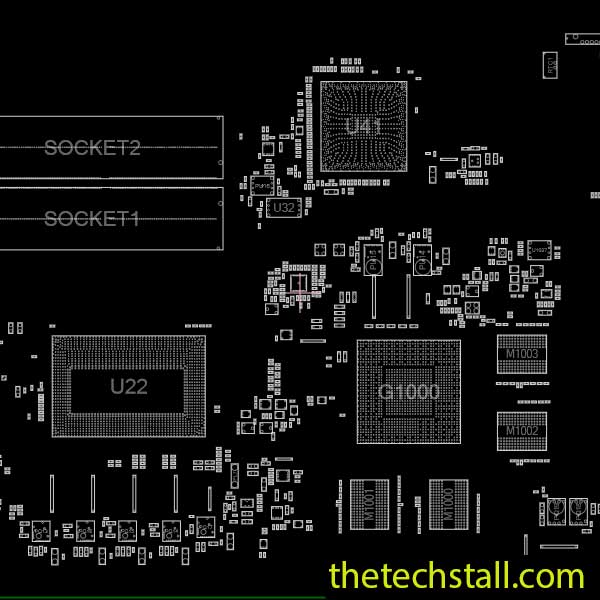
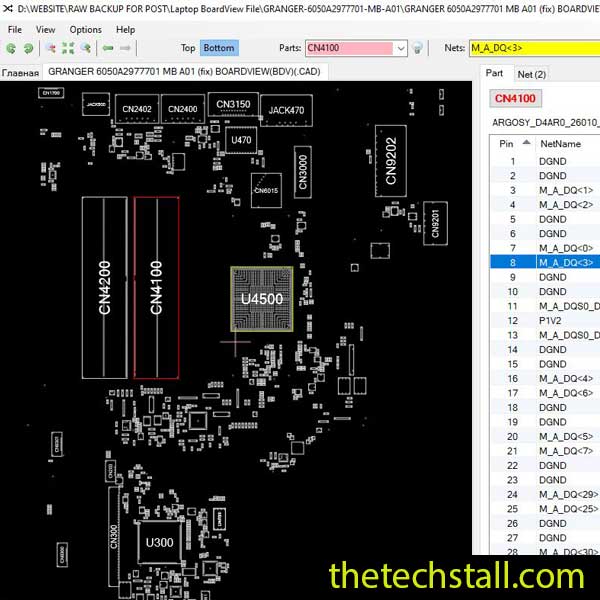
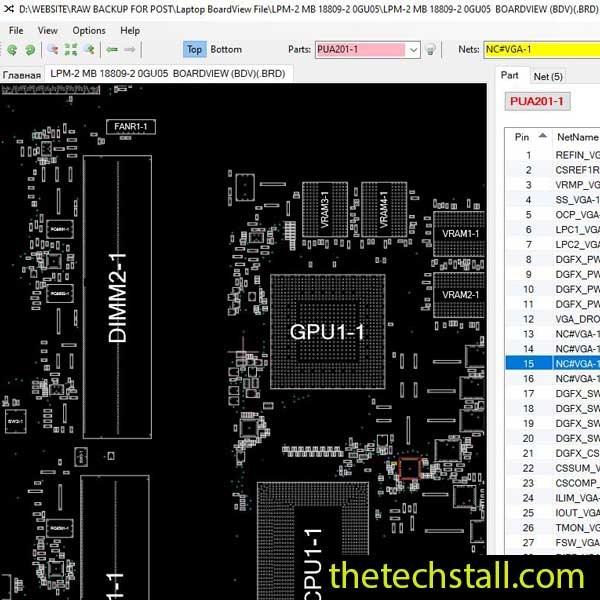
As a laptop technician, mastering chip-level repairs is essential for troubleshooting complex motherboard issues. One of the most valuable tools in your arsenal is a boardview file, which provides a detailed schematic of the motherboard’s circuitry. If you’re working on an Lenovo E40/E50 laptop, the GC5/GC5A/GC5B boardview file is a must-have resource to diagnose and repair faults efficiently.
In this guide, we’ll explore how the GC5/GC5A/GC5B boardview file can help you become a more skilled technician by simplifying motherboard repairs. We’ll also provide a free download link at the end so you can start using this crucial tool right away.

Without a boardview file, diagnosing a faulty component on a laptop motherboard can be time-consuming and frustrating. The GC5/GC5A/GC5B boardview file provides a visual representation of the motherboard’s layout, including:
This makes it easier to trace circuits and identify faulty components like voltage regulators, BIOS chips, or damaged traces.
Instead of blindly testing components, the boardview file allows you to:
This speeds up the repair process, especially when dealing with no power, no display, or charging issues on the Lenovo E40/E50.
Many technicians struggle with BGA rework, BIOS corruption, or short circuits. The GC5/GC5A/GC5B boardview file helps you:
By following the boardview, you can avoid mistakes and improve your repair success rate.
If the laptop doesn’t turn on:
The boardview file helps you locate these components quickly.
For display-related problems:
The GC5/GC5A/GC5B boardview file provides pinout details for the display connector, making troubleshooting easier.
If the battery isn’t charging:
The boardview file shows the exact location of these components.
A corrupted BIOS can cause boot failures. With the boardview file, you can:
This ensures a smooth BIOS reprogramming process.
You’ll need a compatible boardview viewer such as:
By following these steps, you can diagnose and fix complex motherboard issues with confidence.
To help you get started with chip-level repairs on the Lenovo E40/E50, we’re providing a free download link for the GC5/GC5A/GC5B boardview file.
Mastering motherboard repairs requires the right tools and knowledge. The GC5/GC5A/GC5B boardview file is an invaluable resource for any technician working on the Lenovo E40/E50. By using this file, you can:
✅ Diagnose faults faster
✅ Improve repair accuracy
✅ Become a more skilled chip-level technician
Download the boardview file today and take your laptop repair skills to the next level!

For tips on chip-level repair of laptop and desktop motherboards, visit our YouTube channel Repair Assistant and subscribe to our Facebook page repairassiastantbd for repair resource updates.